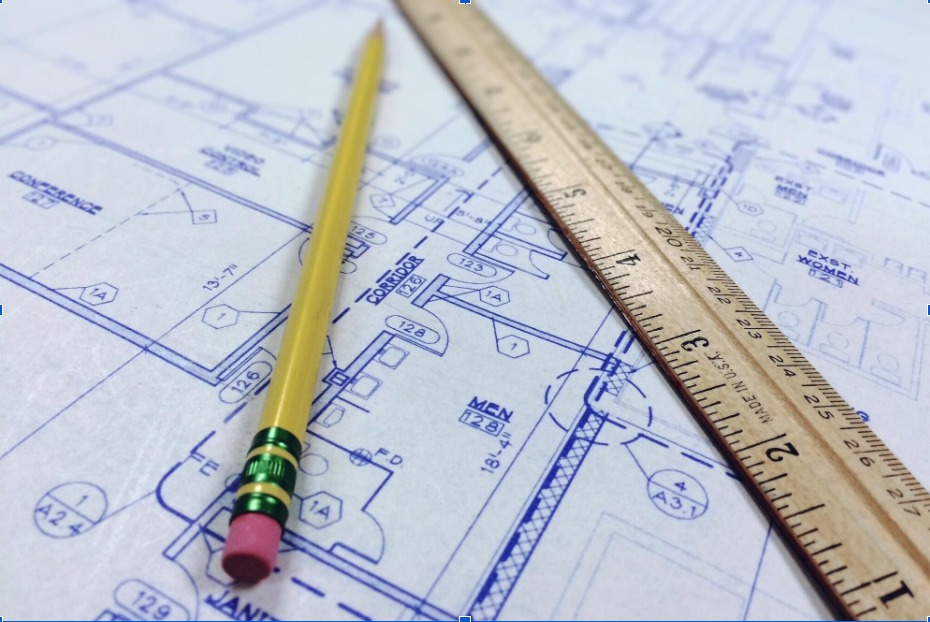
Design studios rely on fast networks and complex software to turn ideas into physical blueprints. Modern project demands require powerful computers and reliable digital setups to keep everyday operations moving smoothly.
Tech issues can stall complex projects, cost money, and delay tight deadlines. Having structured technical assistance keeps teams working without unnecessary delays.
Modern Workstations and High-End Processing
CAD programs and rendering engines require strong processors and dedicated graphics cards. Drafting teams that utilize specialized IT support for architects keep their workstations running at peak speed during heavy graphics loads. Proper system tuning prevents costly system freezes during critical design phases.
Hardware upgrades must align with demanding software requirements like 3D modeling tools. Technicians configure local hardware to process complex geometric calculations without overheating.
System monitoring spots hardware bottlenecks before components fail. Fast solid-state drives reduce load times for huge project files.
Handling Large CAD and BIM Files
CAD and BIM files can become very large, especially on big building projects. Large files can slow down office networks and make it harder for workers to share designs. Good storage systems can help teams open, save, and send these files more easily.
A shared storage system lets team members work with the same project files. Fast network connections can help prevent delays when several people need the files at the same time.
Search tools can help workers find old CAD files quickly. Version control can prevent someone from replacing an important drawing by mistake. Keeping older files gives teams useful records for future repairs, changes, or other project needs.
Securing Intellectual Property and Project Data
Architectural drawings can contain valuable designs and private client information. Keeping these files safe is important for every design company. Basic security steps can help protect project files from hackers, lost data, and other problems.
Cloud backups can keep copies of important files if a computer breaks or a cyberattack damages the main files. Firewalls can help block unwanted connections.
Not every employee needs access to every project file. Permission settings can limit access to the files each person needs for their work.
Maintaining Tailored Workflows and Tight Deadlines
Construction projects often have strict deadlines, so computer problems can cause delays. Technology support should fit the software and daily work used by the design team.
Updates should be done outside busy work hours when possible. Testing updates before using them can help prevent new problems. Keeping software updated can help designers continue their work without unnecessary delays.
Technical support can help when problems happen. Useful support services include:
- Quick help for software problems
- Regular hardware checks
- Remote technical support
- Software update testing
- Fast problem solving
Good technical support helps design teams stay on schedule and reduces the chance of long computer problems.
Remote Collaboration for Distributed Design Teams
Many architecture companies have workers in different cities or countries. Cloud tools can let remote workers use design programs from their own computers.
Cloud storage lets team members work on the same project files. Workers can share drawings, photos, notes, and changes in one place.
Project managers can use tablets when visiting construction sites. They can take photos and send them to the office right away. Keeping files updated between the site and office can help teams solve problems faster and avoid delays.
Cloud Integration and Storage Strategies
Large design files can take up a lot of storage space. Local servers may not have enough room for years of project files. Cloud storage gives companies more space and can keep copies of important files online.
Using cloud storage can reduce the need for large and costly servers. Companies can add more storage when they need it. This makes it easier to manage new projects without buying new equipment.
Cloud storage can offer several useful benefits:
- Lower server costs
- More storage space
- Easy storage growth
- Faster file recovery
- Regular file backups
Using both local and cloud storage can help companies keep files safe and easy to access.
Software Compatibility and License Management
Design companies often use many software programs for drawings, 3D models, and project work. A software update can sometimes cause problems with other programs or plugins. Checking updates before installing them can help keep all tools working together.
Managing software licenses can save money. Companies can check which programs employees actually use and avoid paying for extra licenses.
New computers should have the same basic programs and plugins as other team computers. This can make sharing files easier and reduce software problems.
Disaster Recovery and Business Continuity
Computer problems, power cuts, bad weather, or damaged equipment can put important project files at risk. A backup plan can help companies recover their files after a problem. Saving copies in another location can provide extra protection.
Backups should be tested regularly to make sure they work. If a main computer or server stops working, a backup system can help the team continue working. Quick file recovery can reduce delays and help projects stay on schedule.
Employees should know what to do during a computer emergency. Simple instructions can explain who should handle each problem and how to recover important files. Good preparation can reduce project delays and help protect the company’s work.
Streamlining Onsite Technology at Construction Sites
Architects often need to visit construction sites to check work and make decisions. Strong tablets and laptops can handle dust, rain, and other difficult conditions.
Digital tools can make site work easier. Augmented reality can show a 3D design over the real building. Teams can send messages and updated plans directly to the office. This can help workers make decisions faster.
Construction devices should be protected from unauthorized use. Passwords and other security tools can keep project files safe. If a device is lost, remote controls can remove important information. Good security helps protect both company and client data.
Modern architectural firms need reliable digital infrastructure to deliver high-quality project designs on time. Building robust technical solutions keeps design software running fast and protects valuable digital assets.
Investing in proactive technical management builds a strong foundation for long-term firm growth. Secure networks, fast file storage, and smooth remote access empower design teams to take on bigger challenges. If you’d like to learn more, check out more articles on our blog.