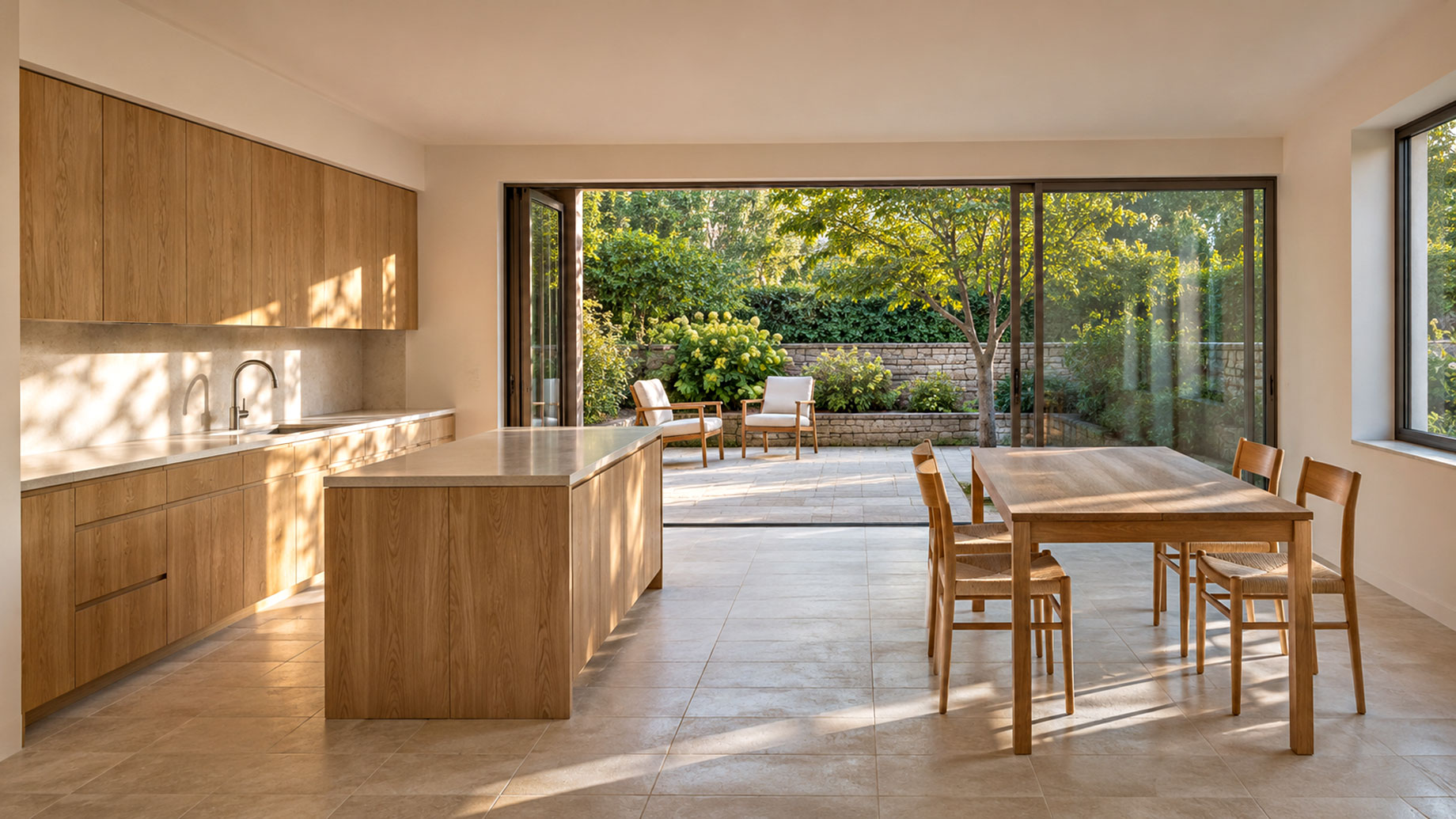
A home design video can communicate something that a floor plan alone cannot: the rhythm of moving through a space. A quiet entrance, a change in daylight, or the relationship between a kitchen and a terrace can help viewers understand a design. Yet a convincing presentation starts with careful decisions rather than elaborate effects. Whether the project uses recorded footage, architectural renders, or generated concept scenes, a clear brief keeps the finished sequence useful and honest.
Decide what the viewer needs to understand
Begin with one question. Is the video explaining a renovation layout, comparing material palettes, or introducing the atmosphere of a proposed home? Trying to do all three in a short sequence often produces attractive images without a clear purpose. Write a single sentence describing the intended takeaway, then use it to decide which scenes belong. A presentation about natural light, for example, should prioritize windows, orientation, and the way light reaches occupied areas.
Identify the audience as well. A homeowner may need practical information about storage and circulation, while a design collaborator may be evaluating proportion and finishes. The same visuals can serve different audiences when the captions and order change. Agree on those needs before choosing music or camera movements. This makes feedback more specific and reduces revisions that arise from different expectations.
Build a small, deliberate shot list
For a short presentation, choose a handful of scenes with distinct jobs. An establishing view can introduce the setting. A medium view can show how two spaces connect. A close detail can explain a surface or joinery decision. Finish with a view that brings the central idea together. Each scene should add information instead of simply repeating an attractive angle.
Keep a continuity sheet describing the materials, furniture, lighting, and architectural features that should remain consistent. If a wall is pale stone in the opening scene, it should not become dark timber without explanation in the next. Consistency is especially valuable when several people prepare different assets. A shared reference sheet provides a concrete basis for review and avoids relying on memory.
Separate exploration from documentation
Generated motion can be useful for exploring the mood of an imagined room, but a concept sequence should be labeled as a visualization. Teams considering tools such as Wan 3.0 can begin with a modest test scene and evaluate whether the result communicates their intended atmosphere. The important question is whether the sequence helps discussion, rather than whether every frame looks dramatic.
Keep factual project information separate from illustrative material. Verify dimensions, views, fixtures, and accessibility details against approved drawings and real observations. Do not present invented surroundings or altered room proportions as evidence of an existing property. If the video combines real footage and imagined concepts, use captions that make the distinction easy to understand. Clear labeling protects the audience from forming inaccurate expectations.
Review motion at an ordinary viewing pace
Watch each clip once for its overall message and again for details. Check whether doorways, furniture edges, reflections, and repeating patterns remain stable. Look for camera movement that suggests an impossible route through a wall or an abrupt change in scale. A beautiful still frame can distract from problems that become obvious during playback, so review the actual sequence at its intended speed.
Ask a reviewer who has not worked on the edit to describe what they understood. If they cannot explain the relationship between the main spaces, revise the order or add a simple caption. Give text enough time to be read on a phone. Use restrained transitions and allow significant views to settle before moving on. Fast cutting can make spatial information harder to follow.
Prepare a version that is easy to discuss
Save a dated review copy and keep notes that identify scenes by their position in the sequence. Requests such as making the third scene brighter are more actionable than broad comments about improving the mood. Record the reason for each change so that a later edit does not accidentally undo an agreed decision. Preserve source assets separately from exported review files.
Before sharing, check permissions for photographs, reference images, music, and any recognizable people. Remove personal information that appears in recorded interiors. Export a version suited to the destination, then watch it on the device viewers are likely to use. A successful home design video leaves its audience with a clearer understanding of the space and the decisions still open for discussion.