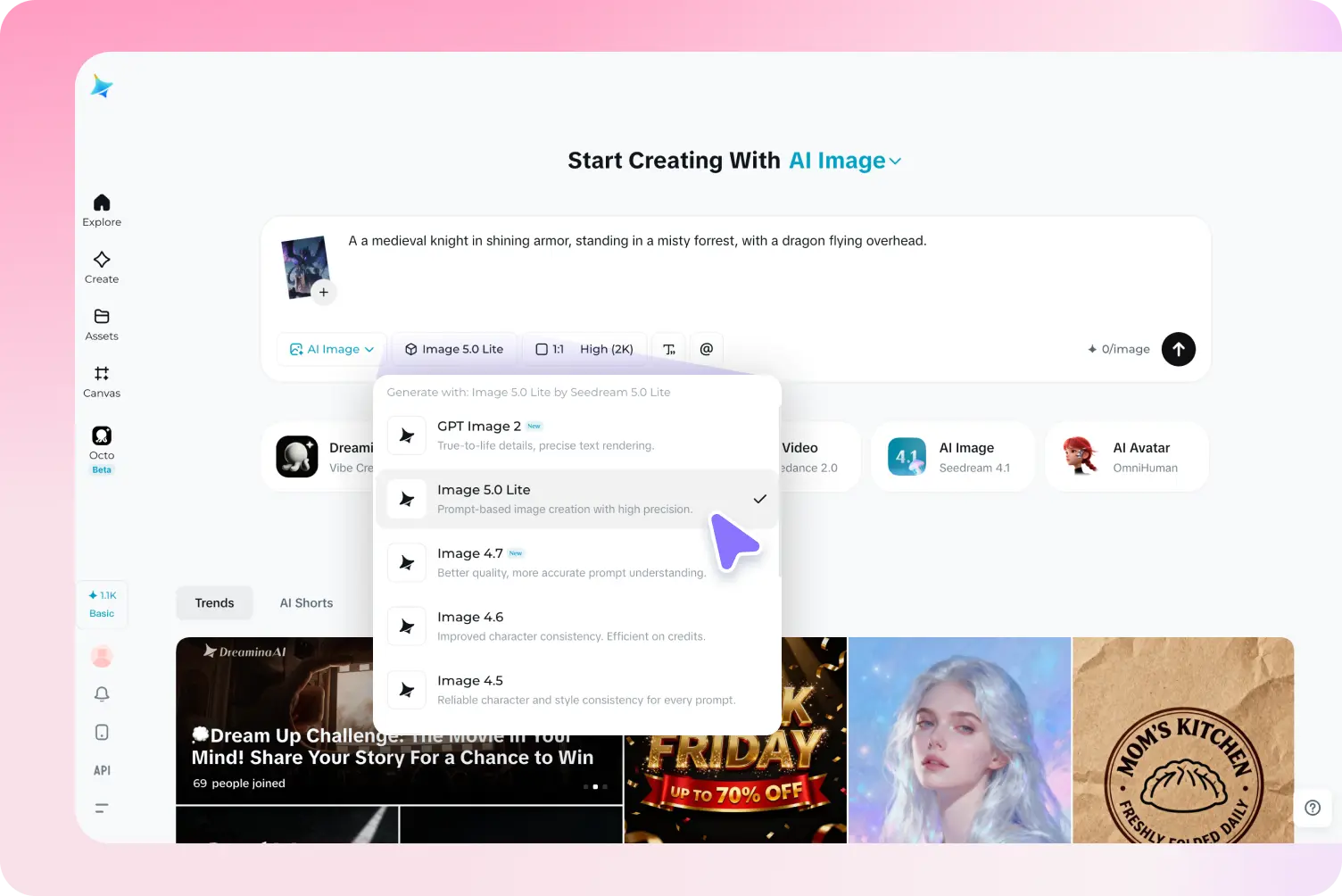
Choosing an image creation tool is not simply a matter of finding a platform that produces attractive pictures. Different projects have different requirements. A website designer may need a wide background with room for text, an online seller may want a convincing product concept, and a content creator may need an unusual illustration that makes an article memorable. The right tool is the one that helps meet the specific objective without making the creative process unnecessarily complicated.
As visual content becomes more important across websites, digital marketing, publishing, and online businesses, creators are looking for practical ways to develop original ideas. Traditional design methods remain valuable, but producing every early concept manually can take time and require skills that not everyone has. AI-powered image creation offers an alternative by allowing users to describe a scene and explore how it might look before deciding whether further editing is needed.
An AI image generator can help bridge the gap between imagination and visual execution. However, choosing a suitable platform requires more than judging a few impressive examples. Creators should consider how clearly the tool interprets instructions, how much control it provides, whether the output suits the intended format, and what limitations apply to its use. Dreamina is one option worth exploring when developing visual concepts from written descriptions.
Start With the Purpose, Not the Tool
Before comparing image generators, define what the image needs to accomplish. A visual created to explain an educational topic has different priorities from one intended to attract attention in a promotional campaign. Without a clear objective, it becomes easy to spend time experimenting with styles that look interesting but do not serve the project.
Consider a small company preparing a landing page for a new service. It might need a visual that communicates reliability, simplicity, and a sense of progress. A complicated fantasy-style illustration could look impressive, yet a clean, carefully composed scene may communicate the business message more effectively.
Writing down the intended audience, central message, and final placement can help establish useful criteria. These details also guide prompt writing and make it easier to judge whether a generated result is genuinely suitable.
What Makes an Image Generator Worth Exploring?
A good evaluation process looks at how a platform performs across the entire creative workflow rather than focusing on one successful image.
Prompt Interpretation
The tool should produce results that reflect the main details of the description. If the prompt specifies a red ceramic vase on a wooden table with morning light entering from the left, the generated image should preserve those important elements as closely as possible.
No generator interprets every prompt perfectly. Nevertheless, clear correspondence between the instructions and the output makes the tool easier to use for projects with defined requirements.
Visual Quality
Quality involves more than resolution or attractive colors. The subject should be recognizable, the composition should feel intentional, and details such as shadows, textures, and proportions should make sense within the scene.
An image intended for a large website banner may reveal flaws that are difficult to notice in a small preview. Reviewing the result at its intended display size is therefore an important part of evaluating quality.
Creative Flexibility
Different projects call for different visual approaches. Some require realistic scenes, while others benefit from illustration, surreal environments, or stylized artwork. A platform becomes more useful when it supports the kinds of concepts the creator actually needs.
Flexibility also includes the ability to revise an idea. If a result is almost correct, creators should be able to adjust their instructions or use suitable editing options instead of abandoning the concept entirely.
Practical Access
Account requirements, generation limits, processing time, download formats, and available features can all affect the experience. A platform that works well for occasional experiments may not necessarily suit a business producing dozens of images each week.
Checking these practical details before committing to a workflow helps avoid unexpected restrictions later.
Understanding What “Free” Really Means
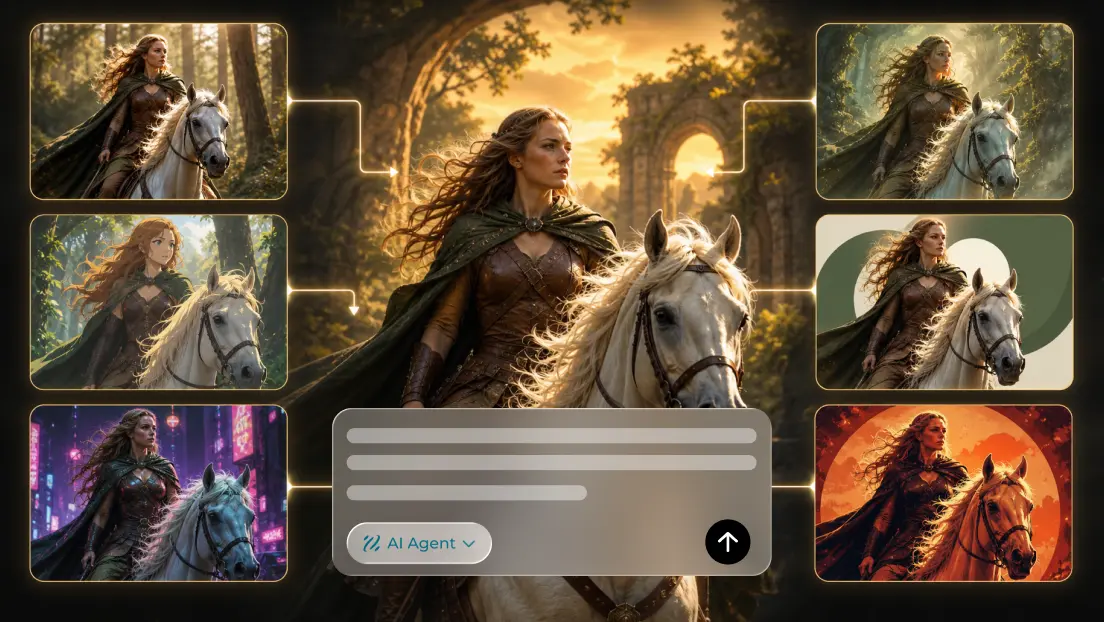
Searching for the best free AI image generator often brings up platforms with different access models. Some may offer a limited number of generations, while others may restrict particular features or require an account. Free availability does not automatically mean unlimited creation, unrestricted downloads, or permission for every commercial use.
Creators should review the current terms of the platform they intend to use. Important questions include whether generated images can be downloaded without a watermark, which formats are available, whether usage credits expire, and what conditions apply to commercial projects.
It is also worth considering the cost of the complete workflow. A free tool may save money during image generation but still require significant manual editing. Another option might provide a more suitable result with fewer revisions. Testing a small project can reveal which approach is more efficient for a particular need.
Rather than choosing a platform solely because it advertises free access, evaluate how much useful work can realistically be completed with the features available.
The Importance of Writing a Precise Prompt
The quality of an AI-generated image is influenced by the information provided to the model. A short, vague description leaves many decisions unresolved, while a carefully written prompt establishes a clearer direction.
A useful prompt generally describes the main subject, its environment, the composition, lighting, and overall mood. For example, a request for a modern workspace could be expanded into a description of a compact desk beside a large window, a notebook and laptop arranged neatly, soft natural light, neutral colors, and a calm editorial atmosphere.
This level of detail helps establish the scene without requiring an unnecessarily long paragraph. It also gives the creator specific elements to revise if the first result is not suitable.
One effective technique is to separate essential requirements from optional details. The subject and composition may be critical, while decorative objects or subtle background elements may be flexible. Keeping the most important instructions clear can reduce confusion and make subsequent revisions more purposeful.
How to Compare Results Fairly
Comparing different tools can be misleading when each one receives a different prompt. One platform may appear better simply because it was given a more detailed description. A more useful comparison keeps the creative brief consistent.
Choose a single concept and write down the requirements that matter most. Generate comparable results, then assess how well each image represents the subject, follows the requested composition, handles lighting, and fits the intended use.
A simple evaluation checklist can include:
- Accuracy: Does the image reflect the main instructions?
- Composition: Is the subject positioned appropriately?
- Detail: Are textures, edges, and proportions convincing?
- Usability: Can the result work in the intended design?
- Refinement: Is it possible to improve weaknesses without starting over?
- Practicality: Do access conditions and available features meet the project’s needs?
This method encourages decisions based on actual requirements rather than marketing claims or isolated examples. It also reveals that different platforms may be suitable for different kinds of work.
Common Creative Problems and Ways to Address Them
When the Image Looks Too Generic
A generic result may indicate that the prompt does not provide enough distinctive information. Add details that relate directly to the subject, such as a particular environment, material, lighting condition, or point of view.
For instance, a request for a landscape could describe a narrow path crossing a windswept coastal meadow beneath an overcast sky. Specific details create a more identifiable scene than simply asking for a beautiful landscape.
When the Composition Feels Crowded
Too many competing objects can weaken the visual message. Simplify the prompt, reduce unnecessary background elements, and describe the relative importance of the main subject.
For advertising graphics, leaving negative space can be especially useful because it creates room for a headline or other design elements.
When Details Look Artificial
Unnatural shadows, inconsistent reflections, and distorted objects can reduce credibility. Try simplifying the scene, clarifying the lighting, or generating another variation. Where accuracy matters, correct the remaining issues through editing or use a conventional photograph instead.
When the Result Does Not Match the Intended Style
Style descriptions can be interpreted differently by different systems. Rather than relying on a single adjective, explain the visual characteristics that define the desired appearance. A request for a refined editorial image, for example, might specify restrained colors, balanced composition, soft lighting, and minimal decoration.
Practical Ways to Use AI-Generated Images
Website and Landing Page Design
Website visuals should support the page’s purpose and work with its layout. A hero image may need open space for a heading, while a supporting illustration might focus on a particular service or idea.
Creators should consider the final dimensions before generating the image. A composition that looks balanced in a square format may crop poorly when used in a wide banner.
Digital Marketing
Marketing teams can explore different creative directions before producing a complete campaign. They might compare a product-focused composition with a lifestyle scene or test whether a brighter atmosphere better suits a promotion.
Generated concepts can support brainstorming, but any image representing a real product should be checked for inaccurate features. The final visual should communicate the offer honestly.
Editorial and Educational Content
Writers and educators can use AI-generated illustrations to explain concepts, introduce topics, or establish an atmosphere. The image should reinforce the content instead of distracting from it.
When an illustration includes factual or technical information, verify its accuracy independently. A visually convincing scene should not be treated as evidence that the details are correct.
Creative Presentations
Freelancers and teams can use generated images to present possible directions to clients or colleagues. Showing several visual concepts can make feedback more specific and reveal differences in expectations before detailed production begins.
These images are especially valuable as discussion tools. They do not need to be final deliverables to help a team make a better decision.
Preparing Generated Images for Professional Use
Even a strong first result may need adjustments before publication. Cropping, color correction, typography, and careful removal of unwanted details can improve its suitability for a website, presentation, or advertising campaign.
Text is often best added separately using a design editor. This gives the creator control over spelling, font choice, alignment, and readability. It also makes it easier to adapt the same image for multiple platforms without generating a completely new visual.
Before publishing, inspect the image at full size. Look for inconsistencies in reflections, hands, repeated patterns, object shapes, and background details. Check that the composition works in its final layout and that no visual element creates a misleading impression.
For commercial projects, review the platform’s current licensing conditions and ensure that the image is appropriate for the intended use. Privacy, consent, and intellectual property considerations should also be taken seriously, particularly when images depict identifiable people or recognizable brands.
Conclusion
Selecting an AI image generator is ultimately about finding a suitable balance between creative freedom, output quality, practical access, and control over the final result. The most useful platform is not necessarily the one that produces the most dramatic sample image. It is the one that consistently helps users move from a clear idea toward a visual that serves its intended purpose.
Dreamina can be explored as one option for AI-assisted image creation, while its current features, free access conditions, and usage terms should be evaluated before starting a larger project. Testing a few carefully designed prompts is a practical way to determine whether its workflow matches a creator’s needs.
With clear objectives, precise descriptions, thoughtful comparisons, and careful editing, AI image creation can become a valuable part of digital design. The technology can help generate possibilities, but human judgment remains essential for selecting, refining, and publishing visuals that communicate effectively.
Frequently Asked Questions
1. How should I choose an AI image generator?
Start by identifying your intended use, then compare prompt accuracy, visual quality, editing options, output formats, access conditions, and licensing terms. Test the platform with a real project before relying on it for regular work.
2. Does a free AI image generator always offer unlimited images?
No. Free access may include daily or monthly generation limits, credit systems, account requirements, or restrictions on certain features. Check the platform’s current terms to understand what is included.
3. Can AI image generators create realistic visuals?
They can produce images with realistic lighting, textures, and compositions, but results vary. Generated details should be reviewed carefully, especially when an image represents a real product, person, or place.
4. How can I get better results from an image generator?
Describe the subject, setting, composition, lighting, and mood clearly. Generate a small number of variations, identify specific problems, and revise the relevant instructions rather than changing everything at once.
5. Can AI-generated images be used commercially?
Commercial use depends on the platform’s current licensing conditions and the intended application. Review the terms, check the image for misleading details, and make sure the content meets any relevant legal or industry requirements.
6. Why should I edit an AI-generated image before publishing it?
Editing can correct visual flaws, improve composition, match brand colors, and add readable text. It also gives creators a final opportunity to confirm that the image communicates the intended message accurately.