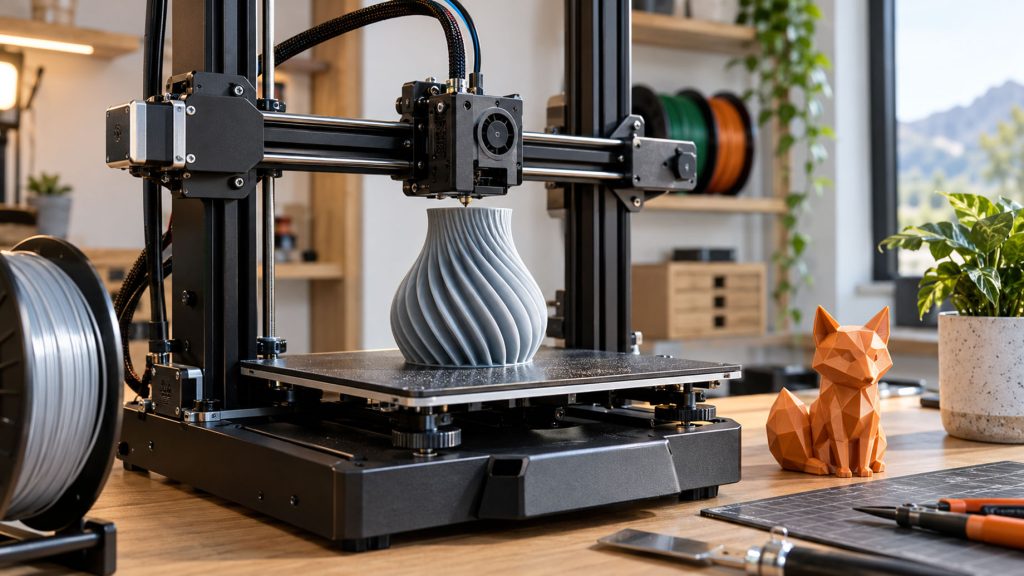
3D printing is becoming more accessible for hobbyists, students, and first-time makers. However, choosing the right printer can still be confusing because different models focus on different features, materials, and user needs. Beginners do not always need the fastest machine or the most advanced functions. Instead, they should focus on setup experience, software usability, print reliability, and whether the printer can support future projects. A suitable beginner 3D printer should make the learning process easier while providing enough flexibility for users to improve over time.
Start With Ease of Setup
For beginners, the first few prints often determine whether 3D printing feels approachable or frustrating. A printer with simpler setup and fewer manual adjustments can help users spend more time creating and less time solving basic issues.
Look for Automatic Bed Leveling
Automatic bed leveling helps adjust the print surface and improve first-layer consistency, reducing one of the most common issues beginners face. It also minimizes manual calibration steps, making the printing process easier and more predictable for new users.
Consider a Printer With Guided Setup
A beginner-friendly setup process should include clear instructions, automatic calibration, and an easy-to-understand control interface. These features allow users to move from assembly to their first successful print with less difficulty.
For beginners who want a simpler starting point, exploring an easy-to-use option such as the Flashforge Adventurer 5M as a beginner 3D printer can be a practical way to get familiar with 3D printing.
Pay Attention to Software and Connectivity
A 3D printer is only part of the overall experience. The software workflow and connection methods also influence how easily beginners can prepare models and manage daily printing tasks.
Choose Beginner-Friendly Slicer Software
Slicer software converts 3D models into printable instructions. For new users, a clear interface with simple settings, model previews, and recommended parameters can make the process easier to understand.
A good slicer should allow beginners to start with basic settings while providing additional options as they become more comfortable with printing.
Check Wi-Fi and Remote Features
Wi-Fi connectivity and remote features can improve convenience by allowing users to transfer files, monitor printing progress, or manage projects more efficiently.
However, beginners should prioritize features that solve real problems in daily use. More functions do not always mean a better experience if they are rarely needed.
Think About What You Want to Print
The best printer choice depends on what you plan to create. Understanding your typical projects before buying can help you select the right size, materials, and features.
Build Volume
Build volume determines the maximum size of models you can print. Compact printers are often suitable for small decorations, educational models, and simple DIY projects.
Users who want to create larger functional parts, prototypes, or multiple objects at once may need a larger print area. Choosing the right size depends on actual use rather than simply selecting the biggest machine.
Filament Compatibility
Material compatibility is another important factor for long-term use. PLA is one of the most common choices for beginners because it is easy to print and works well for many everyday projects.
If you expect to experiment with PETG, ABS, or ASA in the future, check the printer’s temperature capabilities and whether features such as an enclosed design are available.
Comparing different best 3D printer options can also help you understand which configurations are better suited for different materials and applications.
Decide Which Features Are Worth Paying For
Beginners should focus on features that improve reliability and match their actual projects rather than paying for every available upgrade.
Print Speed vs. Print Quality
High print speed can be attractive, but beginners should also consider print stability and consistency. Reliable performance helps reduce failed prints and makes the learning process smoother.
Single-Color or Multicolor Printing
Single-color printing is enough for most beginners. Users interested in models, toys, or creative designs may consider a multicolor 3D printer for more color options, depending on their project needs.
Enclosed vs. Open Frame
Open-frame printers are simple and suitable for many entry-level applications. If you plan to print materials such as ABS or ASA, an enclosed design may provide better temperature stability and a more controlled environment.
Look Beyond the First Few Prints
A beginner printer should support both your first projects and future growth. Consider whether you may want larger models, different filaments, or more advanced workflows later to avoid outgrowing your printer too quickly.
Conclusion
Choosing a beginner 3D printer is about finding the right balance between simplicity and future flexibility. Setup experience, software, material support, print reliability, and useful features all play an important role.
The best choice is not always the printer with the highest specifications. A suitable machine should match your projects, budget, and experience level while making 3D printing easier to learn and enjoy.