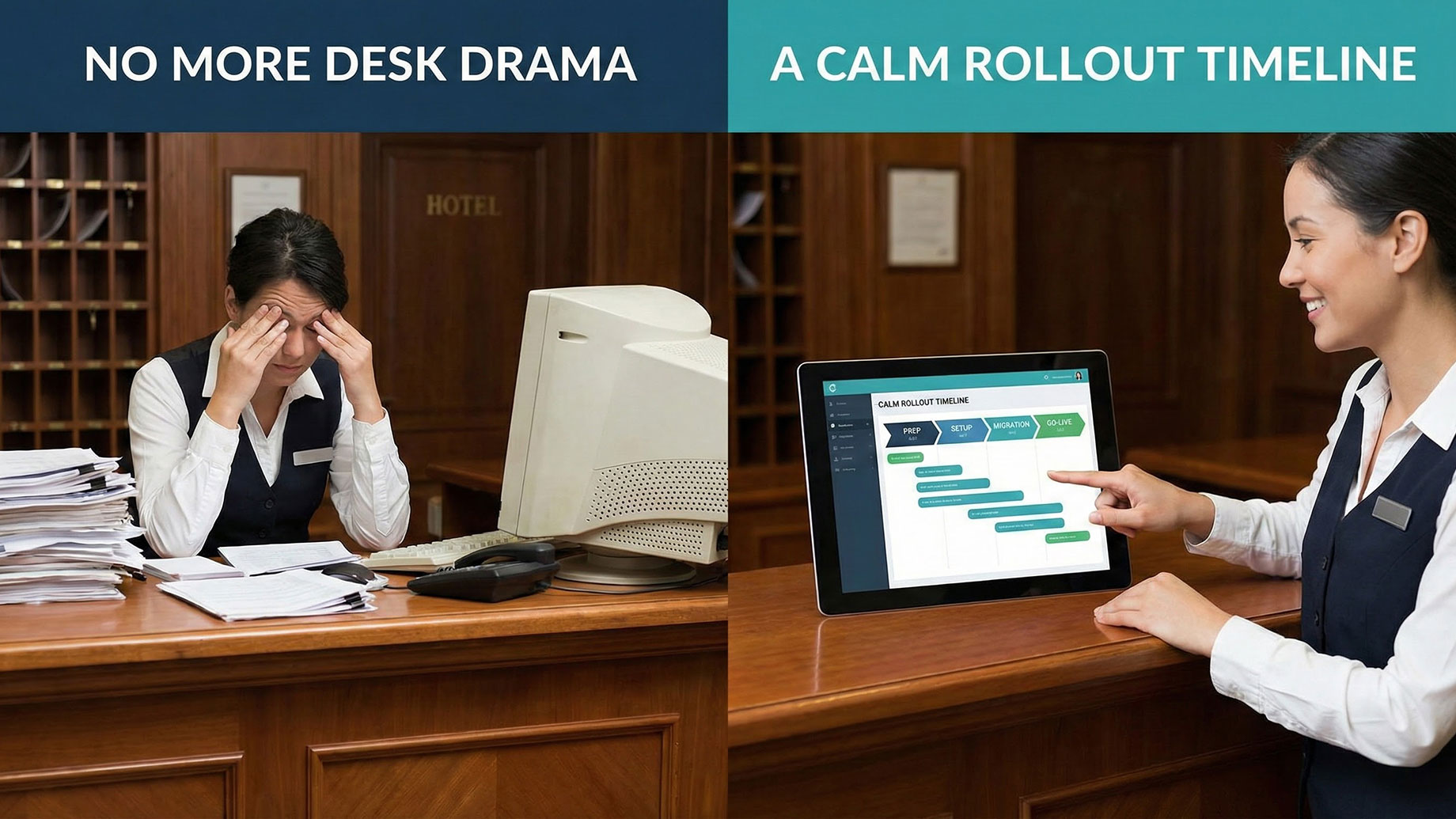
More and more small hotels are realizing that changing their front desk system is less about “buying software” and more about rewiring how the entire property operates. Before they commit, many owners look for a simple implementation timeline for front desk software for hotel so they can see, week by week, what actually happens between signing a contract and running the first busy Friday night on a new system.
What follows isn’t a vendor script; it’s a realistic, business-focused way to think about the rollout of front desk software for hotel operations, shaped by what small properties say they wish they’d known the first time.
Why the Timeline Matters More Than the Tool
Owners often spend months comparing features and only a few days thinking about the rollout. In practice, the reverse is more critical. The same hotel front desk software can feel like a lifesaver or a headache, depending on how it’s configured.
A clear timeline:
- Reduces downtime and front-desk panic.
- Gives staff confidence that there’s a plan, not just a new login.
- Helps owners align the project with the low season, staffing, and cash flow.
The goal isn’t a perfect implementation; it’s a calm one.
Phase 1 (Week 0–1): Preparation Before Any Data Moves
The real work starts before a single record is migrated. This is when you decide what your new “front desk reality” should look like.
Key prep steps include:
- Standardize room and rate names: Agree on how rooms and rate plans are named across your website, OTAs, and internal documents. Clean, consistent labels make setup and training far easier.
- Clarify policies and fees: Write down current cancellation, deposit, check-in/out times, and any extra fees in plain language. These will become the public-facing rules your software enforces.
- Audit existing data: Look at current guest records and bookings. Remove obvious duplicates, fix date mistakes, and check that you know where your “truth” lives: spreadsheet, old PMS, or paper.
This phase is unglamorous, but it shapes everything that follows. If you rush it, your new system will faithfully reproduce old inconsistencies.
Phase 2 (Week 2): System Setup and Sandboxed Testing
Once you’ve cleaned your own house, the vendor (or your internal team) can configure the new system. For a small property, this usually takes days, not months, if everyone is prepared.
Typical tasks:
- Create room types and individual rooms according to the cleaned structure.
- Load rate plans, base prices, and simple seasonal rules.
- Configure taxes, currency, and invoice templates.
- Set up user accounts with appropriate permissions.
At this stage, treat the system as a sandbox. Have staff run through:
- A mock check-in and check-out.
- A simple walk-in booking.
- A no-show or last-minute cancellation.
You’re not trying to “catch the vendor out”; you’re checking whether the software matches your reality at the front desk. If staff feel lost or workflows feel clumsy, this is when to adjust settings or, if necessary, push back and get the configuration improved.
Phase 3 (Week 3): Data Migration and Real-World Scenarios
For many small hotels, migration is the most intimidating part of switching front desk hotel reservation software. In reality, it’s usually manageable if you keep it focused.
A practical approach is:
- Future bookings only: Move confirmed future reservations into the new system by automated import where possible, or manually for a small number of records. Historical data can be exported and archived separately for reference.
- Key guest details: Include arrival and departure dates, room type, agreed rate, and any special notes. Resist the urge to import every scrap of historic data on day one.
Once bookings are in, test realistic journeys:
- Change dates or room types on a migrated booking.
- Add a payment, then issue a partial refund.
- Attach an extra (parking, late checkout, etc.) and see how it appears on the folio.
If something doesn’t feel intuitive here, you want to find out before go-live, not during your next sold-out Saturday.
Phase 4 (Week 4): Integrations and Channel Alignment
Only after the core is stable should you connect to the outside world. This is where the new front desk software for hotels must cooperate with channel managers, OTAs, and your booking engine.
Key integration tasks:
- Connect to your channel manager, if you use one, and map room types and rate plans carefully.
- Connect your booking engine so the hotel’s own website can show live availability and prices.
- Set a controlled “switch” time when the new system will begin to own its own inventory and rates.
During this phase, it’s worth doing a structured spot-check:
- Look up the exact date on your website, two OTAs, and the new system.
- Confirm that price, restrictions, and availability match in all four places.
If they don’t, fix the mapping and rules before going further. Once live guests start booking against the new setup, corrections become more painful.
Phase 5 (Go-Live Week): Running Two Realities Briefly
On go-live, your old system doesn’t have to vanish immediately. For a few days, it can act as a read-only safety net.
A sensible pattern:
- Freeze changes in the old system; no new bookings are created there.
- Run all new reservations and check-ins through the new hotel front desk software.
- Keep the old system open purely as a reference for past stays and historic billing, if needed.
Staff should know exactly which system is authoritative for each kind of task. Confusion here is a common source of human error, not software faults.
It’s also the week to provide short, targeted support:
- Have a “floorwalker” (internal or vendor) available at peak times.
- Encourage staff to note friction points; many can be resolved with small configuration tweaks rather than more training.
Phase 6 (Week 5 and Beyond): Stabilization and Review
After a few weeks, the system is no longer “new,” it’s just the way things are done. This is the right moment for a calm review.
Useful questions to ask the team:
- Which tasks feel faster or clearer than before?
- Where do we still fall back on paper or spreadsheets?
- Are there screens we never use that just clutter the interface?
At this point, you can simplify by hiding unused features, streamlining menus, and adjusting templates to reflect your actual voice and branding. The aim is to make the software feel less like a foreign object and more like a digital version of your existing way of working.
Timing It With the Travel Calendar
It’s tempting to delay any change until “after the busy season,” but the travel calendar rarely cooperates perfectly. Instead of waiting for an ideal month, choose a window that is:
- Busy enough that you see real traffic,
- But not so packed that any hiccup would be catastrophic.
Many small properties pick the shoulder seasons or periods between major events. A shorter, well-planned timeline aligned with your property’s rhythm will almost always beat a long, vague project that drifts into peak dates.
The Big Picture: A Tool That Shapes Every Stay
In the travel and hospitality news cycle, systems are rarely the headline; new openings, design, and destinations get more attention. But for the people running small hotels, the choice and rollout of front desk hotel reservation software, or any modern hotel front desk software, often has a greater impact on day-to-day reality than a refurbishment.
Handled well, an implementation is not a dramatic moment; it’s a structured transition that replaces improvisation with a clearer, calmer routine. Guests don’t know which buttons your staff are pressing at check-in. What they feel is whether the hotel seems organised, whether requests are remembered, and whether the bill matches what they expected.
A realistic implementation timeline doesn’t just bring new technology online; it buys back attention for the things guests actually travel for: a smooth arrival, a room that’s ready, and staff who aren’t fighting their own systems while they try to provide hospitality.