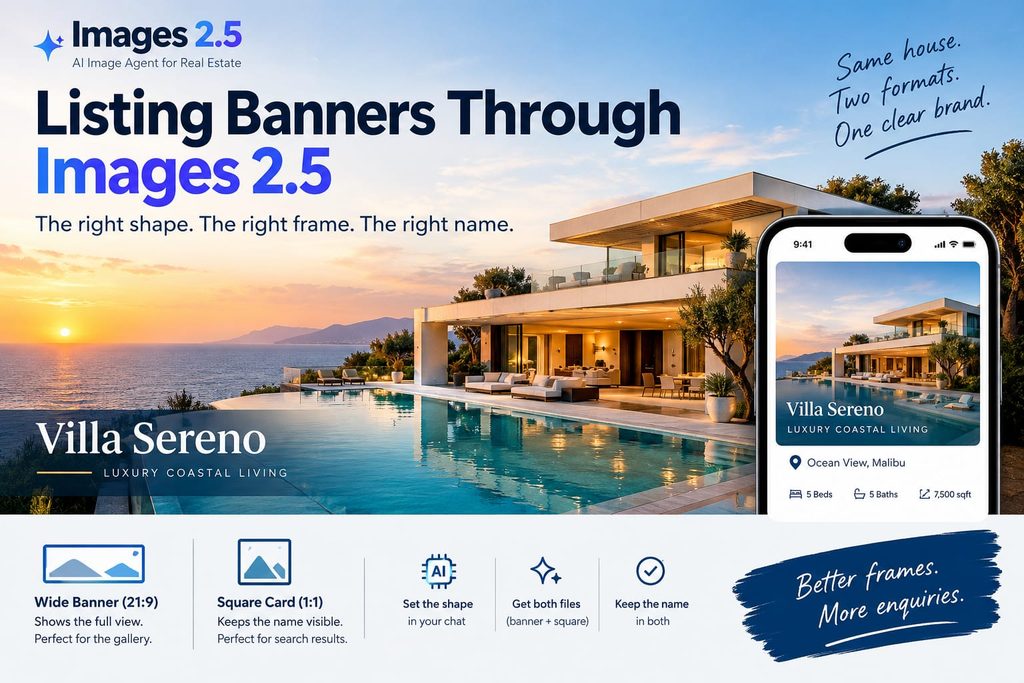
Luxury listing banners lose the house name the moment a portal cuts them square, which is why a desk preparing a villa for Images 2.5 should lock the frame before it touches the view. The photograph of the water can be extraordinary and still fail if the name only exists on the wide file.
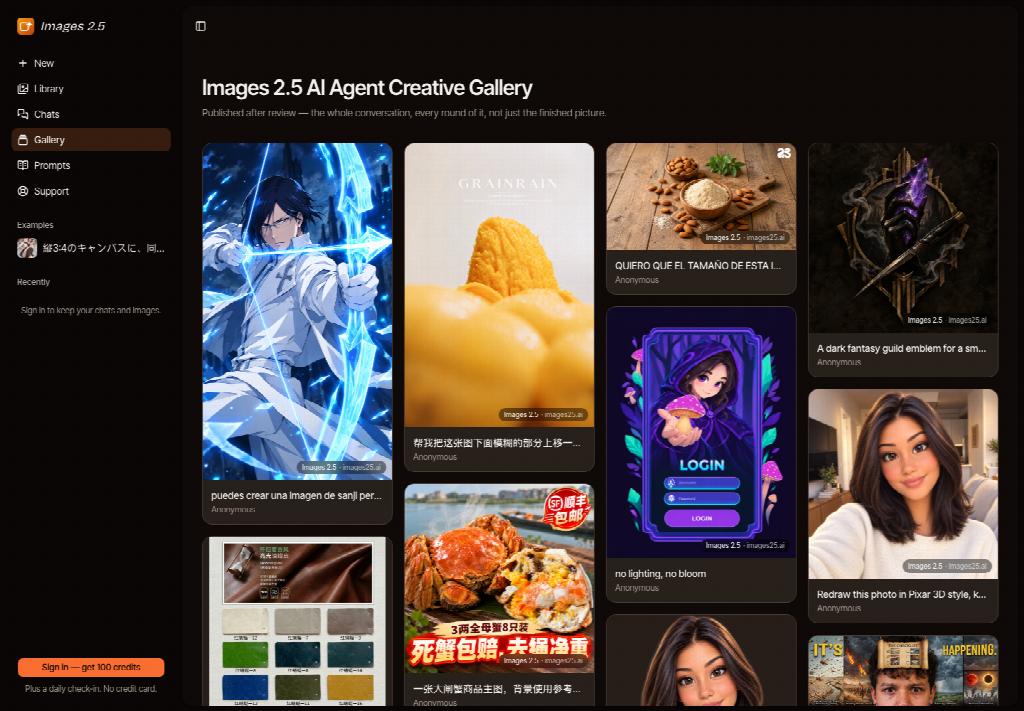
Listing work starts in a chat on Images 2.5, not a crop preset buried in a portal. The opening screen is a full workspace, navigation included, with the composer ready for a banner request. You say the shape you need. The agent is supposed to carry that shape into the render, including a plain request such as a wide banner at 4K, instead of making you reconstruct a menu.
A Villa Banner Dies In A Square Crop
A hero banner for a waterfront house is wide because the house is wide. The pool, the colonnade, and the horizon need the length. Portals do not share that need. A search card, a map pin, and a saved-homes tile are closer to a square. If you design only the hero, the card becomes a slice through the middle of the pool, and the house name, which sat at the left edge, is gone.
The old fix is to export one file and let the portal crop it. That wastes the evening the photographer already spent on the wide frame, and it produces a card that could belong to the neighboring villa. Buyers do not compare colonnades in good faith when the name is missing. They bounce, or they enquire about the wrong house.
- A wide hero with the name on the outer edge.
- A portal square cut from the middle of that hero.
- A card that could belong to the house next door.
Lock Ratio Before You Touch The View
Images 2.5 is where that frame gets named. The public range runs from a very tall proportion to a very wide one, with a square in between, and 21:9 is the wide hero a listing banner actually uses. Output can be 1K, 2K, or 4K on models that support it. You do not need every stop in that range for one house. You need two files: the wide banner, and the square card. Ask for them as two jobs, not as one image you will slice later.
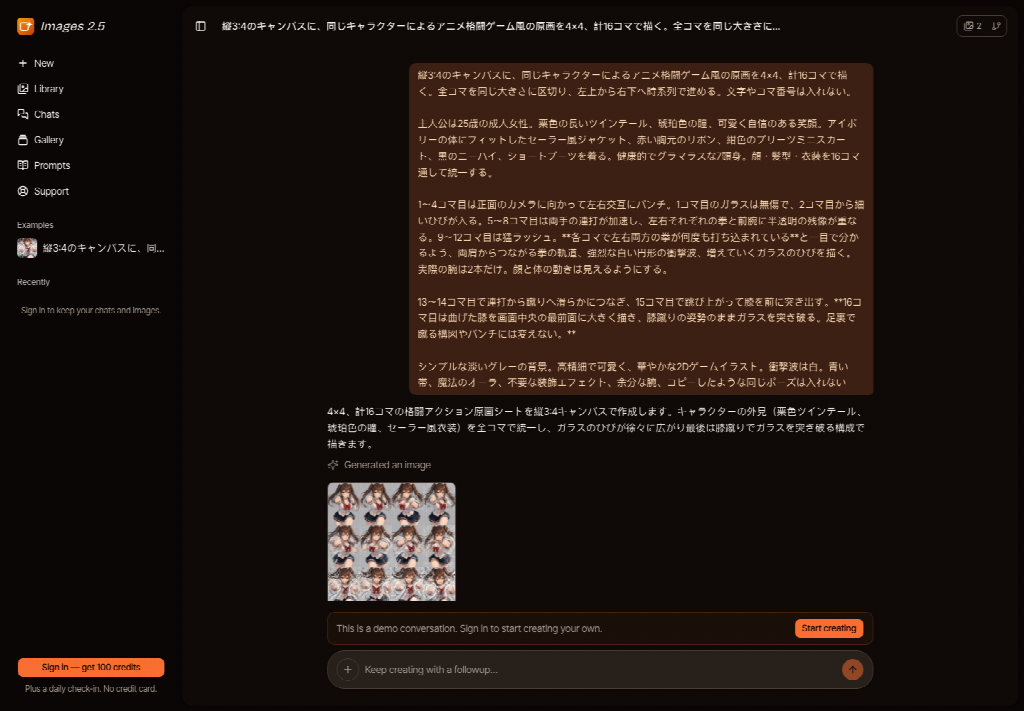
An Images 2.5 AI Image Agent can take the shape in the sentence. “Wide banner, 4K” is a complete instruction for the hero. A second sentence asks for a square of the same house, with the name still readable. Leaving the shape unspoken is how you get a handsome portrait of a doorway and nothing you can upload as the banner.
Ask For A Wide Banner In The Chat
Attach the photograph that already has the true view. Then ask for the wide banner and name the house. Do not ask the tool to improve the architecture. A moved window or a longer pool is a different property. The change you want is the frame and the placement of the name, not a renovation. If the horizon bends to fill the width, reject that file. The coast is not a design element you get to stretch.
Keep A Square For The Portal Card
The square is a separate request. It should show the house, not a random third of the banner. Tell the chat that this one is the card, square, and that the name must sit inside the square rather than in a margin the card will lose. Two files, two checks. One file with a hope that the portal will be kind is how the name disappears.
Think of the upload form the way a buyer meets it. The wide image is the gallery opener, the thing a saved search expands. The square is the row of results, where six houses compete and none of them get a paragraph. If the square was an afterthought, the house enters that row as a fragment of pool water. You can spend a long time on the hero and still lose the click. The ratio request is how you refuse that order of work: card first in your own check, banner second, both named before either is pretty.
The House Name Has To Survive Both
The name is the listing. The name on the banner and a cropped roofline on the card is not a consistent offer. Images 2.5 can be asked to keep the name while the frame changes, but you still read both files. A wide render that looks expensive and a square that lost the wordmark will be what the buyer sees first, because the card is the click.
Read The Name After The Crop
Open the square at the size of a phone tile. Read the name once. If you hesitate, the card is not done. Do not judge it on the monitor where the banner is still open beside it. The buyer will not have the banner yet. This check takes less time than explaining to the owner why enquiries named the house next door.
A Portal Card Is Not The Hero Frame
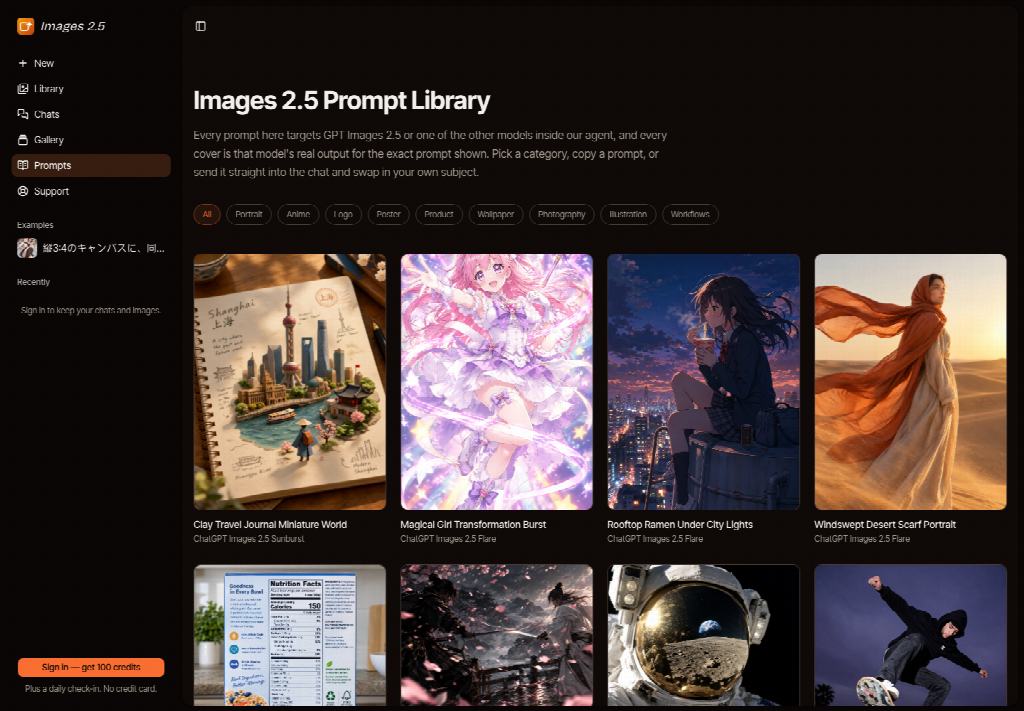
Treat the two files as a pair with different jobs. The banner carries the view. The card carries recognition. A public gallery is a masonry of other finished frames, useful only as a reminder that strangers publish many shapes. It is not your crop test, and it does not know the name of the house. Your test is the pair you just made, side by side, name against name.
If the wide file is beautiful and the square is honest, you have what a portal needs. If you only love the wide file, you are not ready to upload. The portal will make the square for you, and it will make it badly. A buyer scrolling a shoreline of houses will not open your hero to discover the name. They will tap the card that already says it, and that card has to be yours.
Check The Address Line At Card Size
Some listings put a short address under the name. That line fails even sooner than the name, because it is smaller. Read it at card size. If the street has become a smudge, take it off the image and leave it in the listing text, where a portal will not crop it. An image that tries to hold the view, the name, and a full address is usually the image that loses two of the three.
Publish The Pair Only When Both Read
Publish when the wide banner and the square card both show the same house name, and the view has not been renovated by the frame. Hold the upload when the square is a slice of the banner. Images 2.5 is the place to ask for those two shapes in words. It does not walk the property, and it does not know which wing is the one the owner is proud of.
Keep the photographer’s original in the folder. If a later crop argues with the horizon, you still have the coast as it was shot. The banner is a frame. The house is not.