Can a guest Wi-Fi log actually prove someone was in the pool house that night? Usually yes, often with less certainty than the log appears to offer, and the answer depends on a handful of decisions the household has to make before anyone else asks for the record.
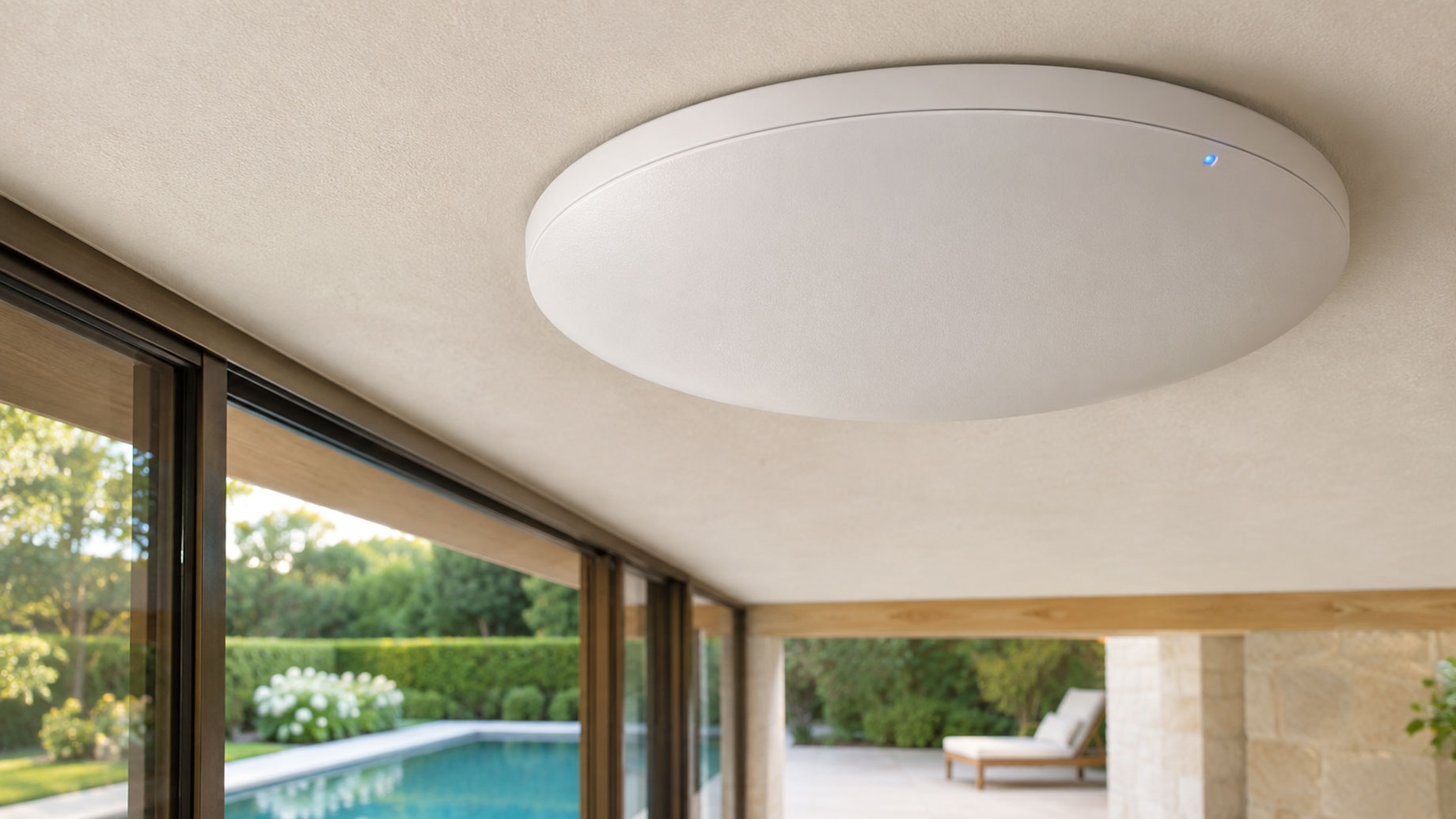
A separate access point out at the pool house is a silent witness. It writes down associations, hands out IP addresses, and tracks when a phone came and went. On a luxury property with staff, contractors, and overnight guests moving through outbuildings, that record can settle a dispute or start one.
The decisions below determine which.
Pull the Log Now, or Wait for Someone to Ask
The first decision is whether to go into the router and export the log the moment something feels off, or leave it alone until an insurer, investigator, or lawyer formally requests it. Both are defensible; both have costs.
Pulling it yourself preserves the record before a scheduled overwrite erases it. Consumer and prosumer gear rotates logs on a short cycle, and in Windows DHCP environments the service writes a new file each weekday and overwrites the prior week, as TechTarget explains. Wait a week and the file that places a device in the pool house may already be gone.
The cost of self-pulling is chain of custody. A homeowner exporting a CSV and emailing it around is easy to attack later. Before touching anything, a short call with an experienced injury attorney is worth more than the half hour it takes. If the record matters, pull it, stop touching it, and have counsel bring in someone who can image the device properly.
A Wi-Fi Log Proves a Device, Not a Person
A Wi-Fi log never records a person. It records a radio. The second real choice is how far to push the inference. What the log captures is well-documented. DHCP logs record each client request and reply, including IP addresses, MAC addresses, and client-supplied hostnames, per the pfSense documentation.
A hostname like “Marcus-iPhone” alongside a MAC that matches a known device is strong circumstantial proof that a specific phone associated with the pool house access point at a specific time. It is not proof that the phone’s owner was holding it.
A few predictable counter-arguments are worth anticipating before leaning hard on the record:
- Borrowed or shared device. A nanny, a teenager, a houseguest. The MAC was there; the usual user may not have been.
- Phone left behind. A device charging on a counter still associates, renews its lease, and shows up in the log looking exactly like a person who stayed put.
- Randomized MAC. Modern iPhones and Androids use random MACs for probe requests but revert to the real hardware MAC when they actually associate with a network, which Nzyme documents in detail. A device seen only in probes is weaker evidence than one that joined.
Hand It Over Voluntarily, or Make Them Subpoena It
Sooner or later an adjuster, an opposing lawyer, or a detective will ask for the log. The instinct to look cooperative is strong, and often wrong.
Volunteering the file hands over everything in it, including associations for people the request wasn’t about: a houseguest’s late night, a contractor who stayed longer than the invoice shows, a family member’s device in a room nobody expected. A subpoena or a formal preservation letter forces the requester to say what they want and gives counsel a chance to narrow the scope. The log doesn’t change. What changes is who sees which parts of it, and in what order.
Build the Network for Evidence, or Only for Convenience
The last decision is architectural, and it gets made long before anything goes wrong. A guest network set up for convenience hands out a single SSID across the whole estate and logs the minimum. A network built with evidence in mind looks different.
- Separate SSIDs per structure. The pool house, guest cottage, and main house broadcast distinct networks, so an association names a building, not a property.
- Longer log retention. Default rotations of a few days are too short. Ninety days is a reasonable floor for a household that may face a claim.
- Synced clocks. Every access point and controller pulling from the same time source. A log is only as good as its timestamps.
- Named devices on the allowlist. Staff and family devices registered by MAC and labeled, so an unknown device in the log stands out rather than hides in the noise.
None of this makes the log tell the truth on its own. It makes the log answerable when someone finally asks what it saw.