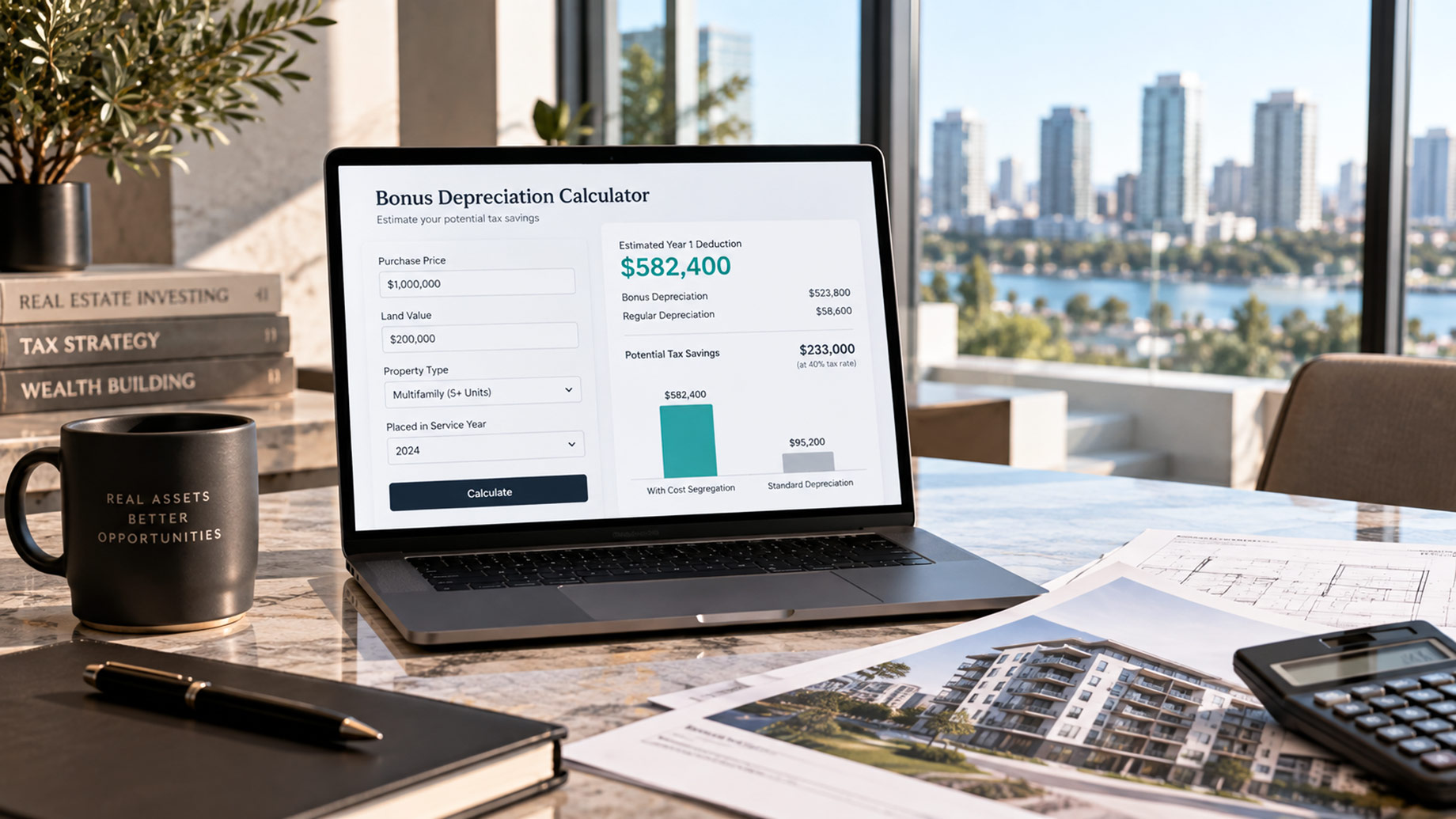
A real estate investor eyeing a million dollar multifamily deal used to need a tax professional on the phone before knowing whether cost segregation was worth pursuing. Now a free online calculator gets them 80% of the way there in a couple minutes.
Bonus depreciation calculators take basic property details, purchase price, land value, property type, and turn a notoriously dense tax concept into a real number… how much of that purchase price could hit the books as a year 1 deduction.
Enter the inputs, and the tool models what accelerated depreciation and bonus depreciation together could mean for a specific deal, before an investor commits to a cost segregation study or signs anything.
The calculators aren’t a substitute for a cost seg study or even a conversation with a tax professional. What they do is tell an investor when that conversation is worth having. A number that looks meaningful is reason enough to call a cost segregation provider; a number that doesn’t move the needle saves everyone a meeting that could have been an email.
That’s the whole job of a good calculator… turn a guess into a starting point.
1. 100BonusDepreciation.com Calculator
Best for cost seg aware, real estate only inputs
Built specifically for the purchase-plus-cost-seg scenario rather than adapted from an equipment calculator: it takes purchase price, land allocation, property type, and placed-in-service year, then applies average reclassification presets by property type before running the bonus percentage. Output is a side-by-side of standard MACRS vs. cost seg accelerated depreciation, which is the actual comparison an investor needs to decide whether a study is worth ordering.
2. Engineered Tax Services (ETS) Cost Segregation Calculator
Best for real estate inputs
This one starts from purchase price and property type rather than a generic “asset cost” field, and walks the user through land-vs-building allocation before running numbers. Which is the step most generic calculators silently skip (bonus depreciation never applies to land). It also breaks output into 5, 7 and 15 year buckets instead of one blended number, so the end user sees why the total is what it is.
3. KBKG Cost Segregation Savings Calculator
Best for a firm grade estimate
This one goes deeper… it separates freestanding vs. leasehold property, lets you specify ADS vs. GDS, factors state tax rate alongside federal, and handles the full historical bonus-depreciation rate schedule (correctly varying by exact placed-in-service date back to 2001) rather than assuming a flat rate. It outputs a full report; annual deductions, cash flow impact, and 10-year NPV, not just a single number.
4. Ultimate Finance Calculator Bonus Depreciation Calculator
Best for full output detail
Rather than a single dollar figure, it returns first-year deduction, immediate tax savings, lifetime tax savings, and a full depreciation schedule table in one pass. For an end user trying to actually plan cash flow (not just get a teaser number), that’s the most complete output of the general-purpose tools.
5. CSSI Cost Segregation Savings Calculator
Best for conservative/aggressive range
It returns both a conservative and an aggressive savings estimate rather than one number, which better reflects how actual cost seg studies vary by engineer and methodology… useful for setting expectations before someone orders a real study.
None of these bonus depreciation calculators replace a cost segregation firm or a call with a Tax Advisor. You should run the real numbers on a property before closing, and a 5 minute estimate and you can shape a much bigger conversation with a tax professional when the dust settles.