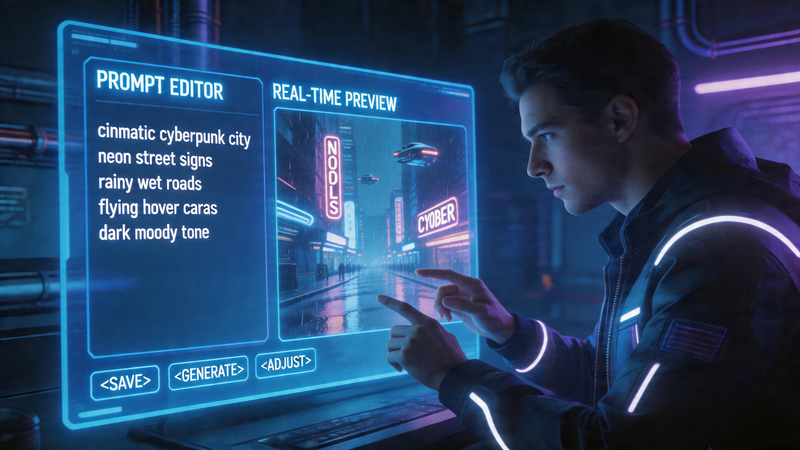
You’ve seen it—that distinctive AI art style that stops you mid-scroll. Maybe it’s the ethereal glow of fantasy portraits, the gritty neon-drenched streets of cyberpunk cityscapes, or the soft, dreamlike quality of watercolor illustrations. You want that look. You need that look. But you have no idea what prompt creates it.
Welcome to reverse prompt engineering—the art of deconstructing AI images to understand and replicate their style. In this guide, we’ll explore how to use an online tool like Vheer’s AI image describer to reverse-engineer any AI art style and make it your own.
What Is Reverse Prompt Engineering?
Reverse prompt engineering (also called prompt inversion or prompt reconstruction) is the process of:
- Analyzing an existing AI-generated image
- Extracting the visual elements, techniques, and qualities that define its style
- Reconstructing the prompt that likely created it
- Using that understanding to generate new images with the same aesthetic
Think of it as being a detective. You’re examining the “evidence” (the image) to deduce the “cause” (the prompt), then using that knowledge to create similar effects.
Why Reverse Engineering Matters
Learn Professional Techniques: By analyzing stunning AI art, you internalize the techniques that make it work.
Style Consistency: Maintain a cohesive aesthetic across projects by understanding what defines a style.
Creative Iteration: Use existing styles as starting points, then evolve them into something original.
Save Time: Instead of endless trial and error, reverse-engineer styles you love and build on proven foundations.
Build Prompt Libraries: Create collections of style-specific prompts for reliable, repeatable results.
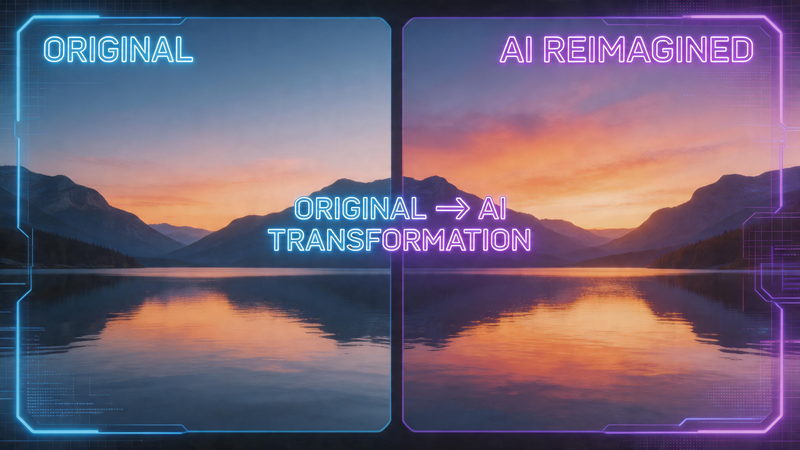
The Challenge: Why Manual Reverse Engineering Fails
Trying to reverse-engineer prompts manually is frustrating because:
Complex Interactions: AI art styles emerge from complex interactions between multiple keywords—interactions that aren’t always obvious.
Hidden Elements: Some style-defining qualities are subtle or unconscious. You might see the impact but not recognize the cause.
Counterintuitive Combinations: The most effective styles often come from unexpected keyword combinations you wouldn’t guess.
Weight and Balance: It’s not just what keywords are used, but how they’re weighted and balanced—a nuance difficult to discern visually.
Vheer’s AI prompt extractor from image solves these problems by using advanced AI to analyze images comprehensively and extract the style-defining elements.
Vheer’s Secret Weapon: Three-Style Analysis
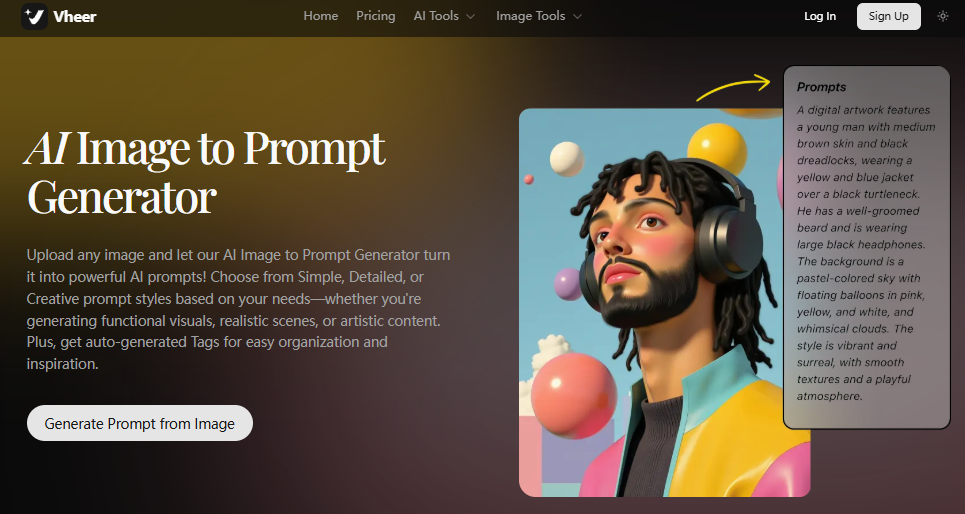
What makes Vheer uniquely powerful for reverse engineering is its three-prompt approach. By generating Simple, Detailed, and Creative prompts from the same image, Vheer reveals different layers of style information.
Simple Prompts: Core Style Elements
The Simple prompt strips away complexity and reveals:
- Primary subject matter
- Essential style descriptors
- Fundamental mood or atmosphere
These are the non-negotiable elements that define the style. Remove them, and the style falls apart.
For Reverse Engineering: Use Simple prompts to identify the minimum keywords required to achieve a style. These are your foundation.
Detailed Prompts: Technical Specifications
The Detailed prompt exposes:
- Lighting techniques and quality
- Texture and material descriptions
- Color palettes and temperature
- Composition and camera work
- Rendering specifications
These technical elements create the specific “look” of a style—the difference between “fantasy portrait” and “high fantasy portrait with rim lighting and warm color temperature.”
For Reverse Engineering: Detailed prompts reveal the technical vocabulary that makes styles precise and reproducible.
Creative Prompts: Emotional and Artistic Essence
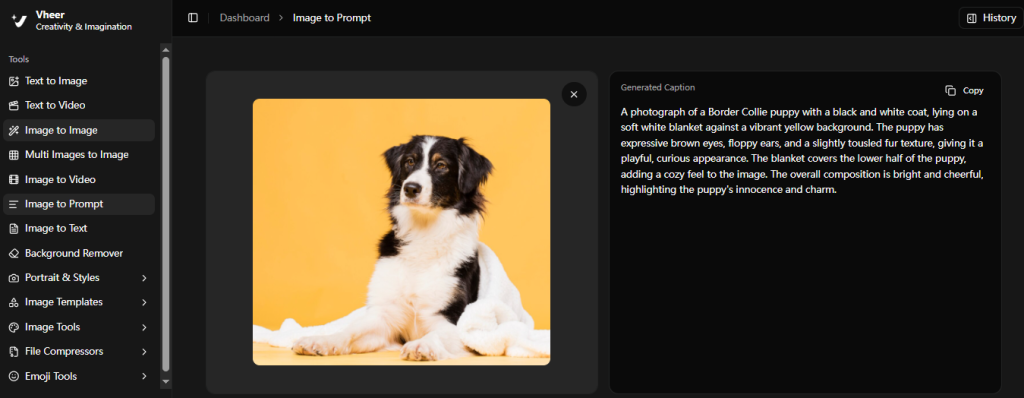
The Creative prompt captures:
- Mood and atmosphere
- Artistic influences and movements
- Metaphorical and expressive language
- Narrative elements
These are the qualities that make a style feel distinctive rather than generic.
For Reverse Engineering: Creative prompts show you how to capture the “soul” of a style—what makes it evoke specific emotions or associations.
Step-by-Step: Reverse Engineering Any Style with Vheer
Let’s walk through a complete reverse engineering workflow.
Step 1: Choose Your Style Reference
Select an image that exemplifies the style you want to copy. This could be:
- AI art from online galleries (Midjourney showcases, Stable Diffusion subreddits, etc.)
- Artwork from artists whose style you admire
- Your own previous generations whose prompts you’ve lost
Pro Tip: Choose images that are pure examples of the style you want. Avoid images that mix multiple styles unless that’s specifically what you’re trying to achieve.
Step 2: Upload to Vheer
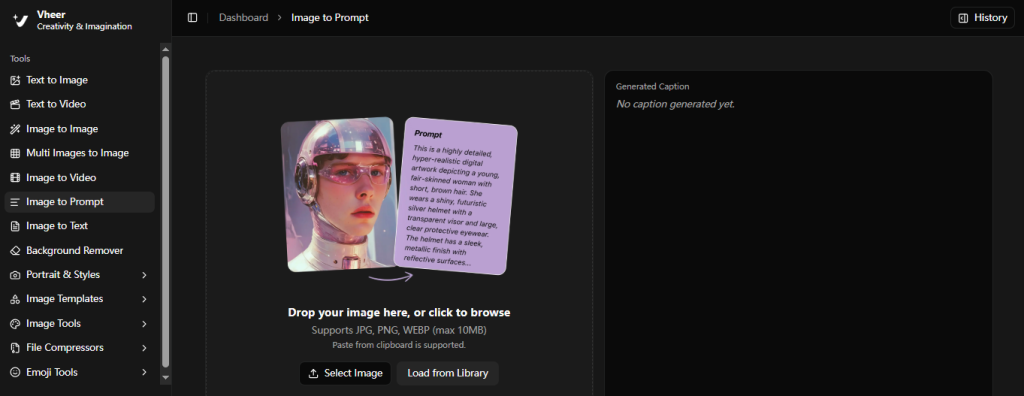
Visit [Vheer’s Image to Prompt Generator](https://vheer.com/image-to-prompt) and upload your reference image.
Step 3: Generate All Three Prompt Styles
Instead of choosing one, generate all three (Simple, Detailed, Creative) from the same image. This gives you a complete picture of the style from multiple angles.
Step 4: Deconstruct the Simple Prompt
Analyze the Simple prompt to identify:
- What style keywords appear? (e.g., “cyberpunk,” “watercolor,” “photorealistic”)
- What subject terms are used? (e.g., “portrait,” “cityscape,” “landscape”)
- What mood words define the atmosphere? (e.g., “mysterious,” “serene,” “dramatic”)
These are your essential style keywords. Write them down—they’re the foundation of your style library.
Step 5: Extract Technical Elements from the Detailed Prompt
The Detailed prompt reveals the technical vocabulary of the style:
- Lighting: What words describe light? (e.g., “rim lighting,” “soft ambient light,” “dramatic chiaroscuro”)
- Colors: What color schemes and temperatures are mentioned? (e.g., “cool blues and purples,” “warm golden hour”)
- Textures and Materials: How are surfaces described? (e.g., “weathered wood,” “glossy metal,” “soft fabric”)
- Rendering: What quality specifications appear? (e.g., “8K,” “photorealistic,” “digital painting,” “hyperdetailed”)
- Composition: What camera angles and perspectives are used? (e.g., “low angle,” “bird’s eye view,” “rule of thirds”)
These technical elements are what make the style specific and reproducible.
Step 6: Capture the Creative Essence
The Creative prompt emphasizes:
- Emotional qualities: How does the style feel? (e.g., “melancholic,” “whimsical,” “ominous”)
- Artistic influences: What movements or artists are referenced? (e.g., “impressionist,” “art nouveau,” “Studio Ghibli-inspired”)
- Metaphorical language: What expressive language creates the style’s distinctive voice?
These elements capture what makes the style unique rather than generic.
Step 7: Review Auto-Generated Tags
Vheer’s extracted tags provide quick style keywords:
- Style tags: Art movements, techniques, aesthetic qualities
- Technical tags: Rendering approaches, lighting methods
- Mood tags: Emotional tones and atmosphere
Use these tags to build a style-specific keyword library.
Step 8: Build Your Style Template
Combine insights from all three prompts into a reusable style template:
Structure:
- [Subject] in [Style] style,
- [Technical specifications],
- [Lighting description],
- [Color palette],
- [Composition],
- [Key style elements],
- [Mood/atmosphere],
- [Unique stylistic touches]
Step 9: Test and Refine
Use your style template to generate new images with different subjects. Compare to your reference and refine:
- What’s missing?
- What’s too strong?
- What needs adjustment?
Iterate until you consistently achieve the style you’re after.
Conclusion: Master Any Style with Vheer
Reverse prompt engineering transforms AI art from mystery to mastery. By using Vheer’s three-prompt analysis (Simple, Detailed, Creative) and auto-generated tags, you can describe pictures with AI and deconstruct any style, understand what makes it work, and apply it to your own creations.
With Vheer completely free with no login required, you can analyze as many styles as you want—building a comprehensive style library without ever paying a cent.