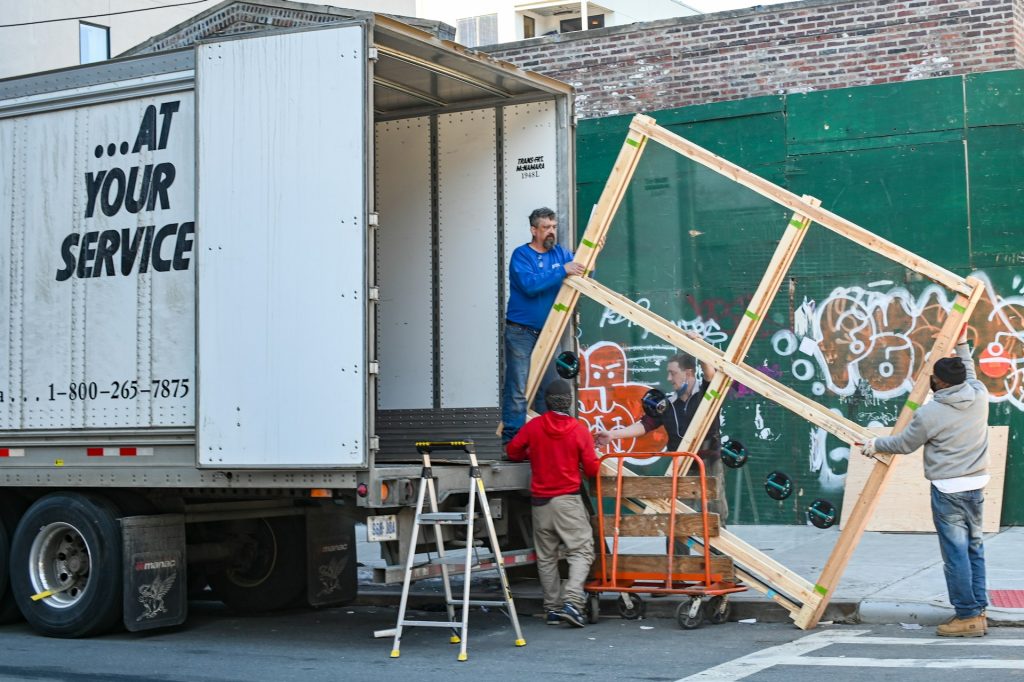
Moving an office is a different beast compared to shifting house, isn’t it? You’re not just dealing with desks and décor—you’re managing server racks, sensitive client files, and the digital heartbeat of your entire operation. The idea of a data breach or losing critical information during the move can honestly feel overwhelming.
Whether you’re expanding or simply relocating across Sydney, keeping your digital and physical data secure should be at the top of your priority list—even when you’re working with professional office removals in Sydney teams. So how do you protect your business’s most valuable asset during a hectic transition?
Below is a more structured, reliability-focused guide to help you navigate it safely.
Complete a Thorough Digital Backup and Data Audit
Before anyone starts pulling out cables, you need a solid digital safety plan. Think of this step as your business’s insurance policy.
What You Should Back Up
A full, redundant backup should include:
- All on-premise servers
- All employee laptops and desktops
- Cloud-synchronised folders
- Archived project files
- Customer databases and CRM platforms
Relying on cloud storage alone isn’t enough. If the internet fails during the move, or if an unexpected sync issue occurs, you’ll want a secure offline backup that isn’t connected to any network.
Why Offline Backups Matter
Offline backups protect you from accidental overwrites during the move, cyber attacks targeting cloud services and physical damage to on-site hardware. Designate a senior staff member to personally transport these drives. Don’t leave them with the movers.
Audit Your Equipment
Here’s a table that can help you audit your equipment before your move
| Item | Move it | Risk Level | Notes |
| Old desktops with unused data | No | High | Wipe or dispose securely |
| Active servers | Yes | High | Remove drives before transport |
| Archived hard drives | Yes | Medium | Encrypt and pack separately |
| Broken or obsolete equipment | No | Low | Recycle responsibly |
This simple audit trims unnecessary risk and cuts down your moving load.
Securely Separate Sensitive Documents and Hardware
Not everyone on the moving team will know the difference between a box of brochures and a box of confidential client files, and that’s not a risk you want to take.
How to Handle Physical Documents
Physically segregate anything containing:
- Personally identifiable information (PII)
- Client contracts or legal documents
- HR records
- Financial data
Place them in lockable file cabinets or security crates. Use a coded internal labelling system that means nothing to outsiders.
Pro tip: Some businesses assign colours instead of labels (e.g., “Blue = HR Records”). It’s discreet and avoids revealing the contents.
Managing Sensitive Hardware
When it comes to IT infrastructure:
- Keep server drives, firewalls, and storage arrays separate from the main move.
- Transport them yourself or assign a trusted manager or a trusted office removalists in Sydney.
Doing this limits unnecessary access and reduces the risk of drive swaps, tampering, or accidental damage.
Set Up Clear Chain-of-Custody and Tracking Protocols
Once your equipment and documents are on the move, visibility drops, and that’s where strong chain-of-custody procedures come in.
Assign a Security Lead
This person should:
- Create a full inventory list of sensitive items
- Oversee packing and loading
- Log the driver’s name, licence plate, and departure time
- Sign off on inventory with the removal team
- Confirm every item upon arrival
A documented chain of responsibility ensures accountability at every stage.
Wrapping Up
Moving an office is an incredible undertaking, and the security of your data should never take a back seat. Taking these proactive steps can turn a potential security liability into a simple logistical exercise. Your business and your clients depend on you protecting their information, so make data security the blueprint for your entire office move.