There is no single continuous runtime that is safe for every walking pad. The correct limit is the one stated in your model’s manual. When no duty cycle is published, using the machine in 30- to 60-minute blocks and allowing about 20 to 30 minutes for cooling is a cautious starting point, not a universal specification.
Runtime depends on the motor design, user weight, speed, incline, belt condition, room temperature, and ventilation. Do not assume that a low walking speed means the machine can run all day. This guide explains how to find the correct limit, recognize overheating signs, and cool the user and machine properly.
How Long Can a Walking Pad Run at One Time?
Before using a walking pad for an extended session, check the owner’s manual or manufacturer’s support page. Look for maximum continuous use, operating time, duty cycle, automatic shutoff, rest interval, or motor protection. A timer that stops the belt may be a protective feature rather than a fault.
Published limits vary by model. Advertised horsepower does not provide the complete answer because cooling design, controller limits, belt friction, and intended use also affect runtime. Use the following guidance only when the manual does not provide clearer instructions.
| Situation | What to do |
|---|---|
| Manual gives runtime and rest limits | Follow both limits exactly |
| Manual gives runtime but no rest time | Stop at the limit and wait until the housing cools |
| Manual gives no continuous-use guidance | Begin with 30 to 60 minutes, followed by about 20 to 30 minutes of rest |
| Machine stops automatically | Turn it off and check the manual before restarting |
| Heat appears with odor, noise, or speed changes | Stop immediately and inspect it after cooling |
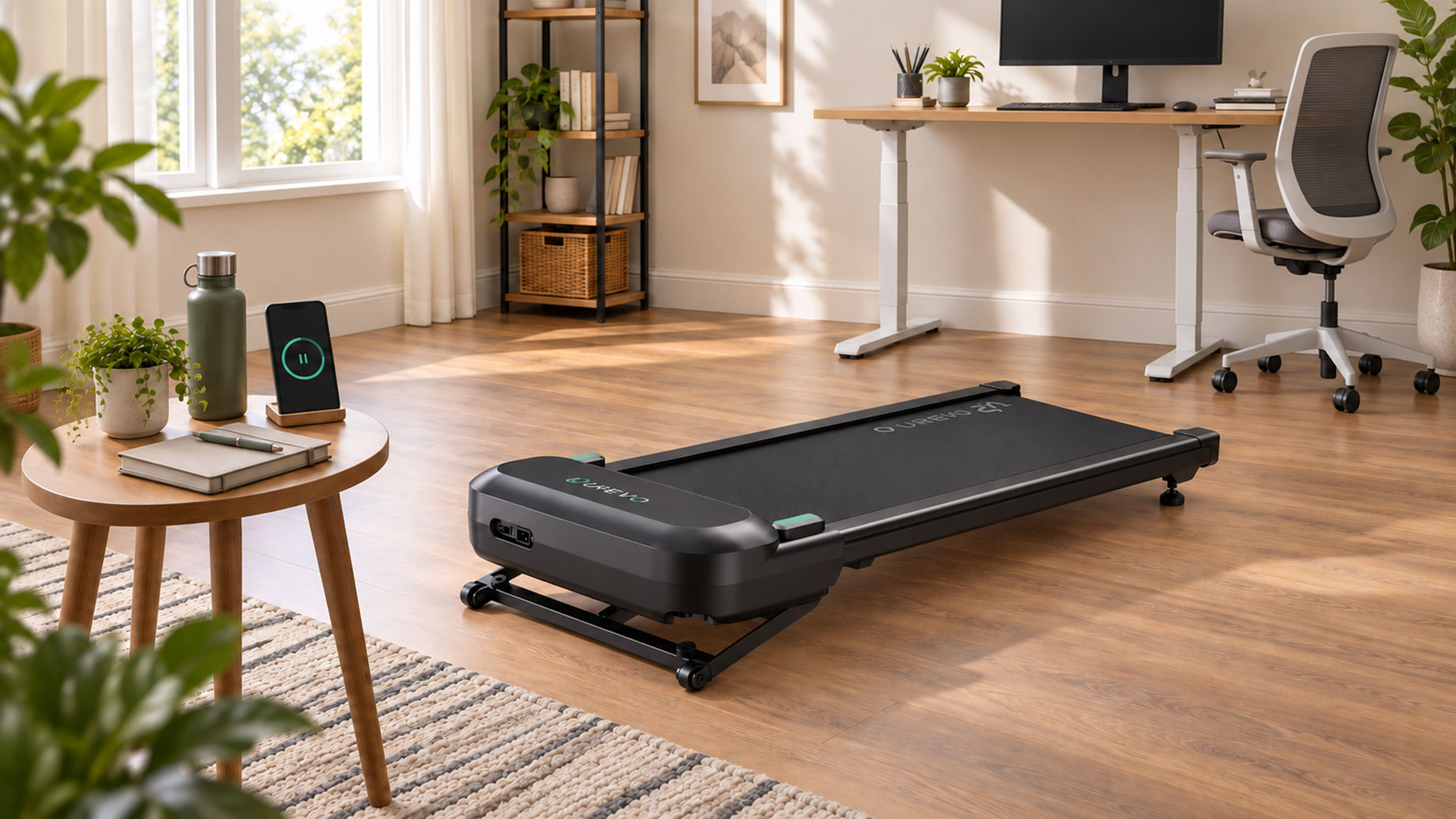
Owners of UREVO models should check the manual supplied with the machine. If the instructions are unclear, contact support with the exact model number and ask about maximum runtime, required rest, and automatic shutdown behavior.
What Can Shorten Continuous Runtime?
A heavier load, incline, warm room, blocked vent, or activity outside the machine’s intended use can increase demand on the motor. Stay within the stated user limit and speed range. A walking-only model should not be used for running simply because its belt can move faster.
Belt condition also matters. A dry, overly tight, dirty, or misaligned belt creates extra resistance and heat. Follow the model’s maintenance schedule and use only the specified lubricant. The instructions for your exact model should always take priority.
Place the walking pad on a firm, level surface. Keep the motor vents clear of walls, clothing, paper, and storage boxes. A treadmill mat can protect the floor, but it must not block airflow or make the machine uneven.
Signs Your Walking Pad Needs to Stop
A mildly warm motor cover after use may be normal. Stop when the heat becomes unusual for that machine or appears with a hot or electrical smell, changing belt speed, repeated error codes, grinding sounds, or a strained motor tone.
If the machine still responds normally, reduce the speed, step off safely, stop the belt, switch off the power, and unplug it. Keep people and pets away while it cools. Afterward, check only the user-serviceable items described in the manual, such as visible belt alignment or blocked vents.
Do not open the motor housing unless the manufacturer authorizes it. Repeated shutdowns, burning odors, electrical problems, or recurring abnormal noises require customer support or qualified service.
Cool Down Your Body and the Motor Separately
Your physical cool-down happens before shutdown. Reduce the walking speed for several minutes so your breathing and heart rate can come down gradually instead of stopping abruptly.
The motor’s rest period begins only after the belt stops. Switch off and unplug the walking pad when the manual directs you to do so. Leave it in its operating position with the motor area uncovered. Do not store it under furniture, stand it against a wall, or place it in a closet while it is warm.
Follow the stated rest interval. If none is published, wait about 20 to 30 minutes and confirm that the housing has returned close to its normal room-temperature feel. Do not open the housing, apply water, or use extreme cold to speed cooling.
Plan Shorter Sessions Across the Workday
Several shorter sessions are usually more practical than one walk lasting several hours. You might walk for 30 minutes during morning email, another 30 to 45 minutes before lunch, and a final block later in the day. Each session must still fit the machine’s runtime limit.
Turn the walking pad off when you step away. An empty moving belt adds operating time and should not be left unattended. If two people share the machine, their back-to-back sessions count as continuous use.
New users can begin with 10 to 20 minutes and increase gradually. Alternate walking with sitting and standing rather than spending the whole workday in one position.
If longer work sessions are important, compare models by intended use, speed range, walking area, user capacity, and storage design. Confirm the exact runtime guidance with support before choosing a model.
Final Thoughts
The correct walking pad runtime comes from the model’s instructions, not a universal rule. When no limit is available, begin with conservative 30- to 60-minute sessions and a full cooling break while you ask the manufacturer for guidance.
Watch for changes in heat, smell, speed, sound, and error messages. Slow down before stopping to cool your body, then give the powered-off machine its own rest period.