Adding audio to video is not just a technical step at the end of editing. It is a storytelling decision. The right soundtrack can make a product feel premium, a tutorial feel calm, a short film feel tense, or a social clip feel energetic. The wrong soundtrack can do the opposite. Even beautiful visuals lose impact when the music fights the pacing, the effects feel random, or the voice is buried under a busy mix.
The best approach is to treat audio as part of the creative brief from the beginning. Before searching for a track or generating one, decide what the viewer should feel, what information must remain clear, and what the video needs at each stage.
Define the Job of the Audio
Every audio layer should have a role. Music may create mood. Voice may deliver the message. Sound effects may highlight movement or transitions. Ambience may make a location feel real. Silence may create contrast. When those roles are unclear, editors often overfill the timeline and make the video harder to watch.
Start by answering a few practical questions:
* Is the video driven by dialogue, visuals, or music?
* Should the track lead the energy or stay behind the narration?
* Does the video need a loop, a full song, or a short cue?
* Are vocals helpful, or would they compete with speech?
* What emotion should the viewer have at the end?
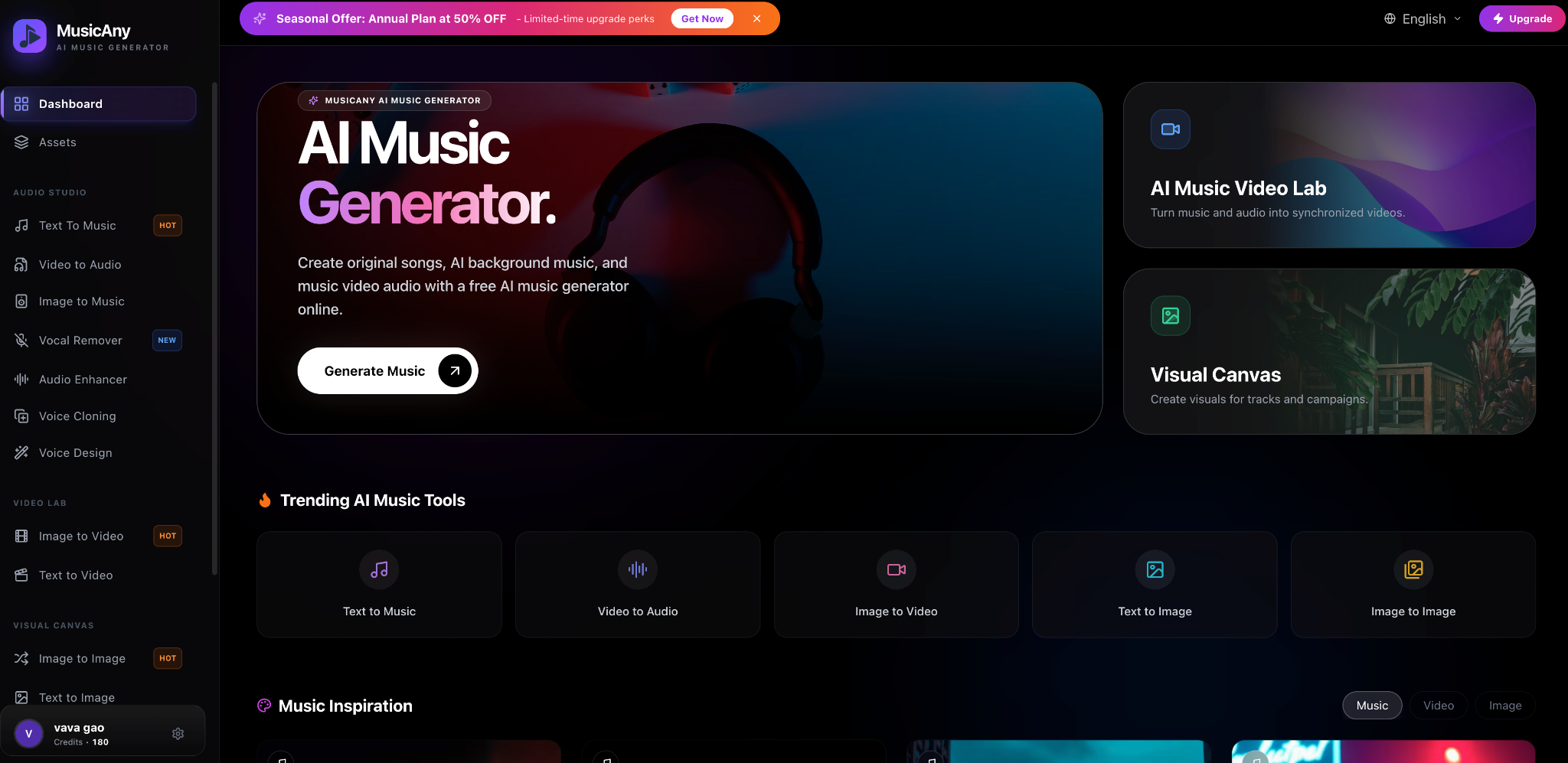
A written brief keeps the choice focused. A tool such as MusicAny can help here because its AI music generator workflow starts from a written brief, while a final motion pass with an uncensored AI video generator can help creators judge whether the soundtrack still fits the visual tone, pacing, and publish-ready cut.
Build the Mix in Layers
A professional video rarely depends on one audio file. It usually uses several layers that work together. The primary layer is the sound the viewer must understand, such as narration, interview audio, dialogue, or product sound. The music layer gives emotional direction. Effects and ambience add detail. Silence controls attention.
When you add a new layer, ask what it improves. If the music already creates energy, the transition effect may not need to be loud. If the voice carries the message, the background track should leave space in the frequency range where speech lives. If a scene is meant to feel intimate, a quiet room tone may be more effective than a dramatic score.
Layering also helps with revisions. If a client says the video feels too intense, you can soften percussion or lower the music without rebuilding the whole edit. If the opening feels weak, you can add a short rise or impact without changing the main track.
Match Music to Pacing
Audio should fit the rhythm of the edit. Fast social videos often need a clear beat and a strong opening. Product demos may need a steady, confident pulse that does not distract from features. Tutorials often need low-density background music that supports concentration. Cinematic clips may need longer phrases, gradual builds, and more space.
One useful test is to watch the video with the music muted, then listen to the music without the video. If the edit has one emotional arc and the track has another, the final piece will feel disconnected. The goal is not to make every cut hit the beat. The goal is to make the sound and image feel like they belong to the same idea.
Use Voice and Vocals Carefully
Vocals can be powerful, but they need a reason to be there. In a music video, a vocal hook may be central. In a brand reel or YouTube tutorial, vocals can distract from the spoken message. If the video includes narration, choose instrumental music or a sparse vocal texture that does not compete with words.
For content with no spoken voice, a song-like track can add identity. A short lyric phrase, a memorable hook, or a vocal texture may make the video more shareable. The key is to choose the vocal approach based on the final platform and viewer behavior, not just personal taste.
Avoid Over-Editing the Sound
Many editors add too many whooshes, impacts, risers, and glitch effects because they want the video to feel dynamic. Used carefully, those sounds help the viewer track movement. Used constantly, they make the video feel noisy and amateur. Effects should mark important actions, not every small cut.
The same rule applies to music volume. A track may sound exciting when played loud, but if it overwhelms the message, it weakens the video. Mix for clarity first. Then add energy where it supports the scene.
Keep Licensing and Records Organized
Whether you use stock music, commissioned music, or generated audio, keep records. Save the source, prompt or brief, license information, export date, and final file name. This is especially important for YouTube, client work, advertising, and monetized content. A clean record helps you replace a track later, answer usage questions, or confirm where an asset came from.
Review on Real Devices
Do not approve the mix only on studio headphones. Test it on a phone, laptop speakers, earbuds, and any device that matches the audience. Many viewers will hear the video in noisy environments or on small speakers. If the voice disappears, the bass overwhelms the mix, or the first seconds feel too quiet, adjust before publishing.
Make Audio Part of the Workflow
The strongest video audio workflows are repeatable. Start with the scene goal, write a brief, choose or generate a track, layer effects intentionally, mix for clarity, and keep records. That process saves time because it turns audio from a last-minute search into a structured creative decision.
When audio is planned this way, the video feels more deliberate. Viewers may not notice every layer, but they will feel the difference: clearer pacing, stronger emotion, and a story that lands with more confidence.